20
Chapter 3: Operations and Settings
3.1 Basic Operations
3.1.1 Power Switch
The power switch is on the rear left side of the printer. The symbols on the switch are defined as
follows:
• ━ stands for power on
• 〇 stands for power off
3.1.2 The Front Panel
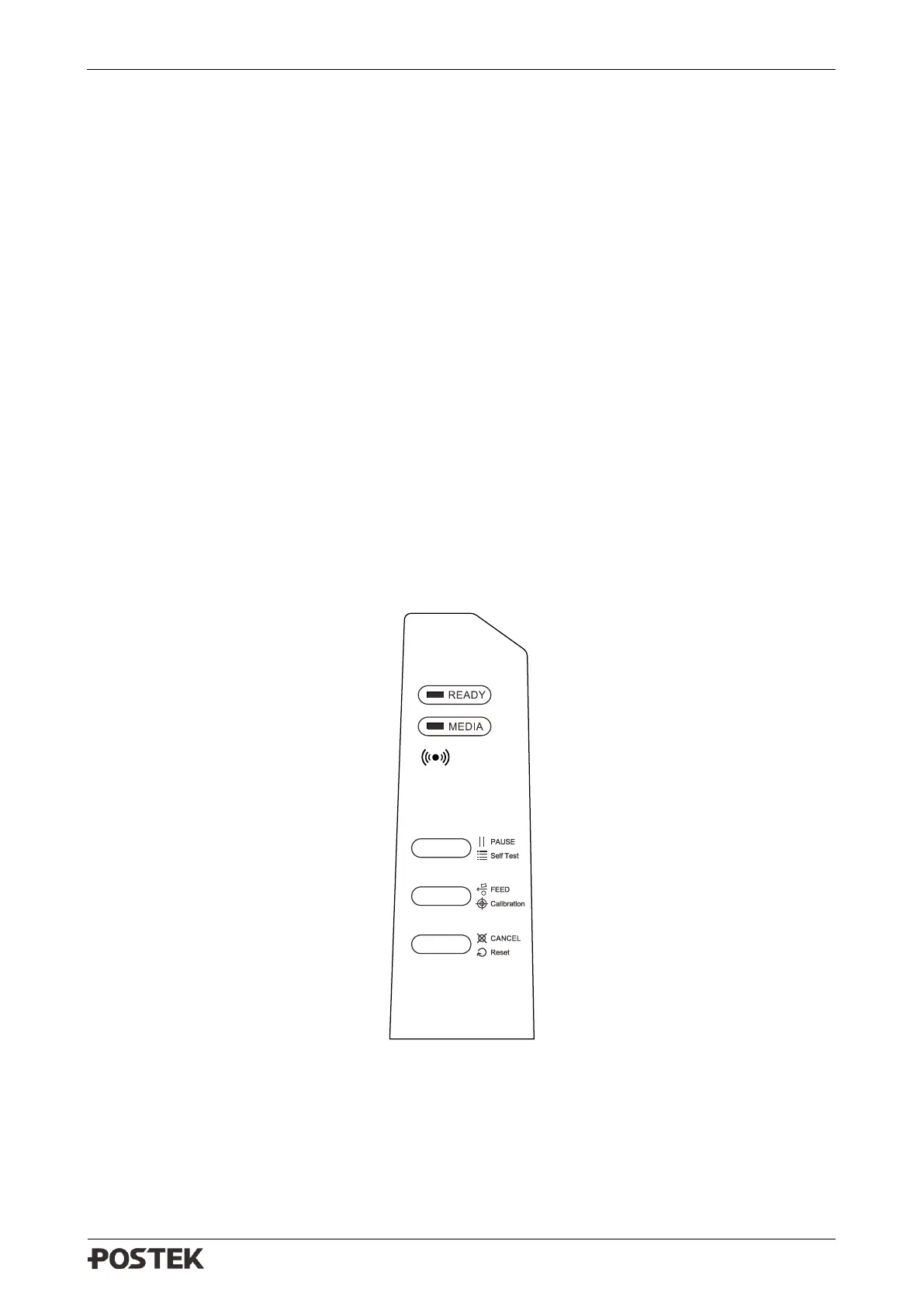
The Front Panel of the printer consists of:
• Three Indicators: [READY], [MEDIA] and WIFI
• Three multi-function buttons: [PAUSE/Self Test], [FEED/Calibration] and [CANCEL/Reset]
Figure 3-1 Front Panel
LED Indicators
The LED indicators on the front of the printer shows the different states that the printer is in, please
refer to Table 3-1 for details.



 To Next Page