iQ200 User’s Manual Preface
1
Preface
This manual explains how to set up and begin using your iQ printer. It also provides detailed
information on configuring your printer, basic operations, care and troubleshooting.
Please read this manual carefully before using the POSTEK iQ printer.
Symbol Conventions
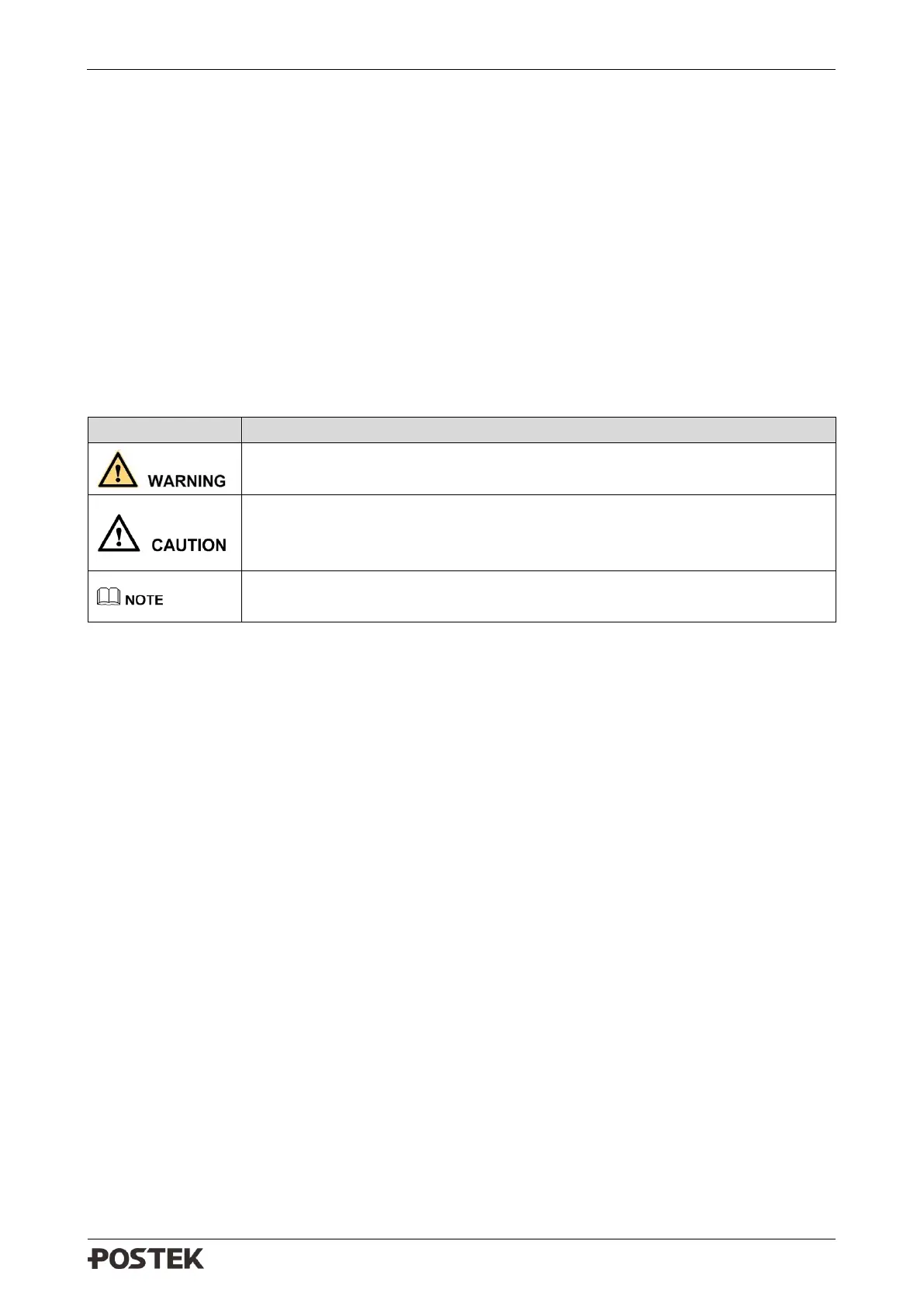
The symbols that may be found in this document are defined as follows.
Alerts you to a medium or low risk hazard that could, if not avoided, result
in moderate or minor injury.
Alerts you to a potentially hazardous situation that could, if not avoided,
result in equipment damage, data loss, performance deterioration, or
unanticipated results.
Provides additional information to emphasize or supplement important
points in the main text.
Version
Version 1.2, published in August, 2021.



 To Next Page