PRK-5000 Operation Manual
- 5 -
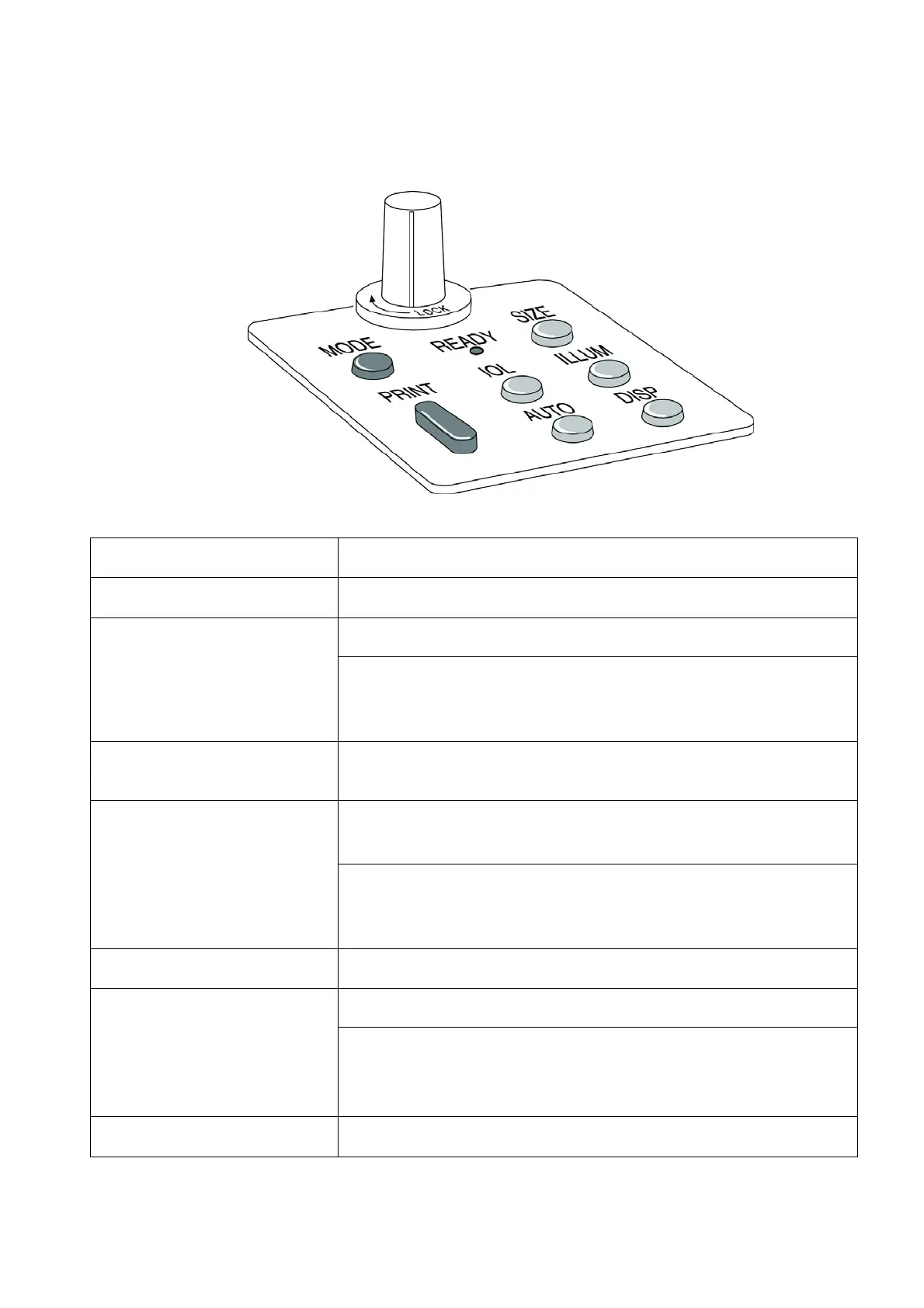
3.2 Operation Panel
READY lamp Indicate the state whether the power is ON or OFF.
MODE button To change measurement mode.
SIZE button
To measure the size of the cornea.
When press this button more than one second in K/R mode or
REF mode, can change the vertex distance for measured result.
IOL button
To measure the examinee’s eyesight with cataract or
IOL(intra-
ocular lens)
.
ILLUM button
To check the status of the cornea and contact lens by pausing the
display window.
When press this button more than one second in K/R mode or
REF mode, can change display format of CYL value for measured
result.
AUTO button To start manual or automatic measurement.
DISPLAY button
To display the measured results.
When press this button more than one second in K/R mode or
KER mode, can change the display form for measured result.
PRINT button To print the result of measurement.



 To Next Page