PRK-5000 Operation Manual
- 33 -
[Deletion of Messages]
If you press the PRINT button, the character in front of the blinking cursor will be
deleted.
[How to Enter the Measurement Mode]
Press SIZE button to quit the SETUP mode and enter the Measurement mode.
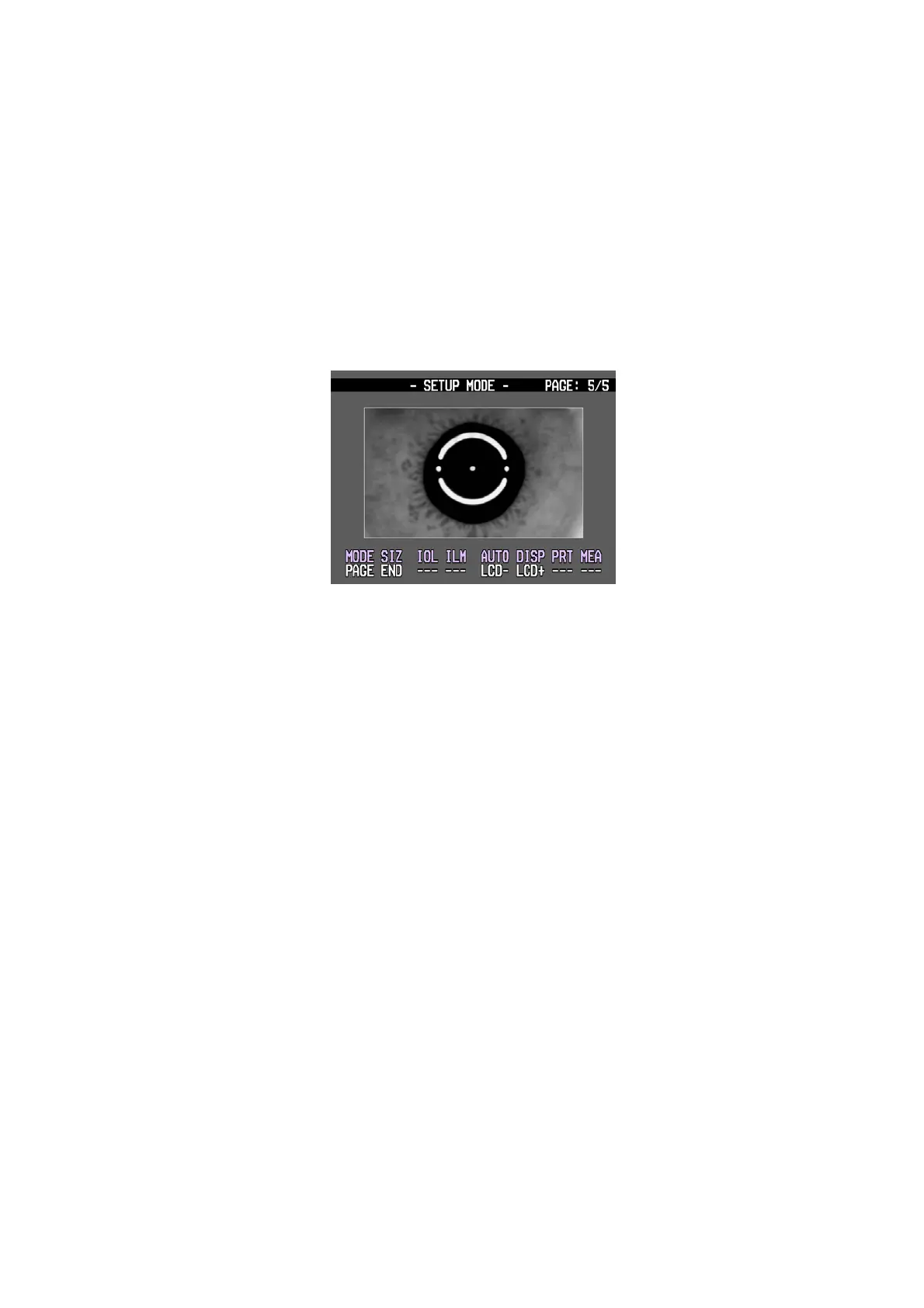
6.4.5 Adjust Brightness
Adjust the brightness of monitor.
[How to Change the Page]
Press MODE button to move the next page.
[How to adjust the monitor]
Press AUTO(LCD-) button or DISP(LCD+) button to adjust the brightness of monitor
[How to Enter the Measurement Mode]
Press SIZE button to quit the SETUP mode and enter the Measurement mode.
6.5 Power Saving Mode
If you keep this instrument idle for about 5 minutes in the measurement mode, it will turn to
the power saving mode. READY LED will be on and off in the power saving mode. Press any
button to resume to the Measurement Mode.



 To Next Page