PRK-5000 Operation Manual
- 25 -
6.3 DISPLAY Mode
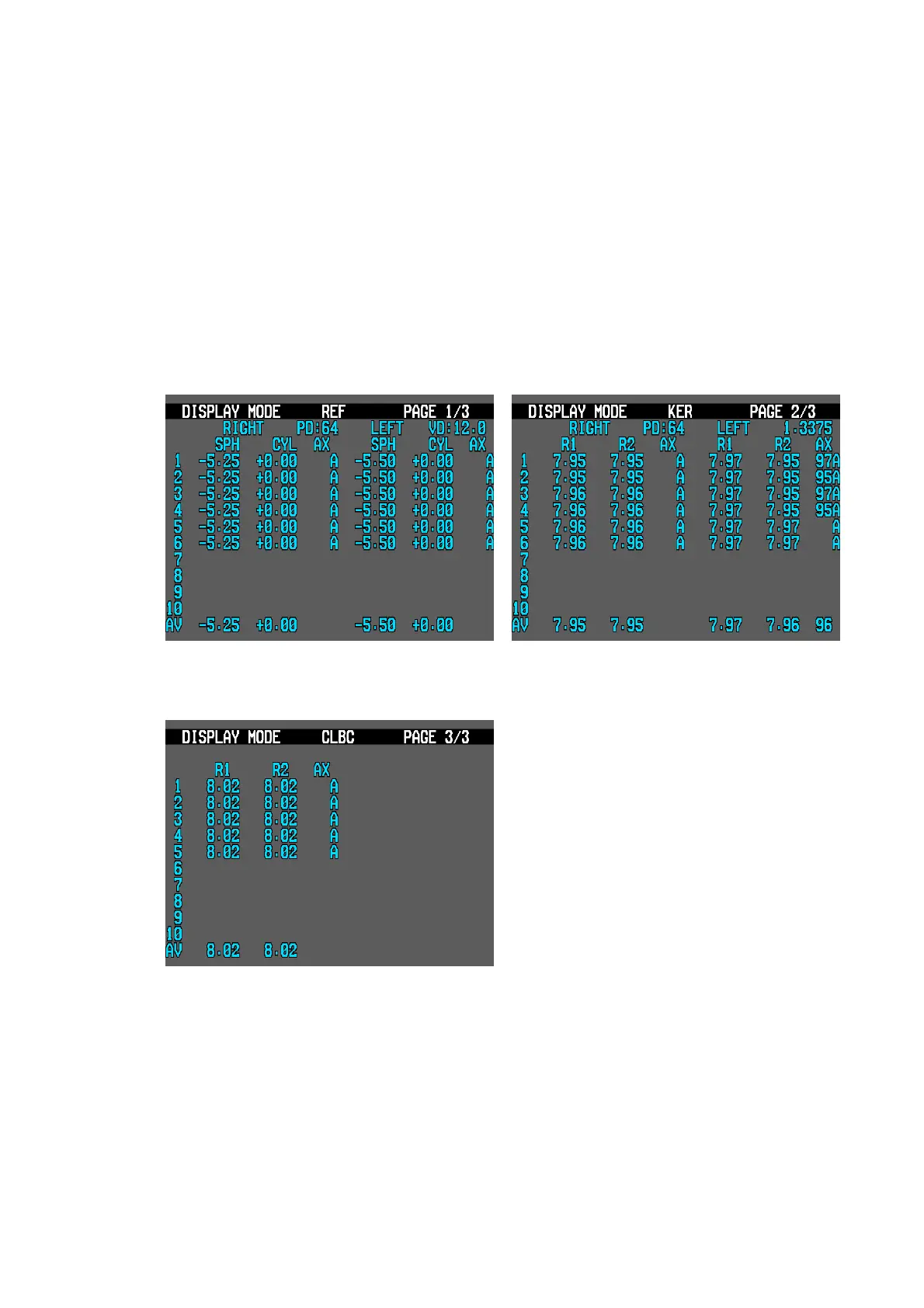
The stored data (maximum 10 data for each eye) in memory can be displayed in this mode.
To enter the DISPLAY mode, press the DISPLAY button in the Measurement Mode. If you
press the DISPLAY button again, the mode will be changed into the Measurement Mode.
NOTES:
① Pressing the MODE button yields the next page.
② Press the PRINT button to print the stored data.
③ Press the AUTO button to clear all stored data in memory.
< Display for REF > < Display for KER >
< Display for CLBC >



 To Next Page