PRK-5000 Operation Manual
- 14 -
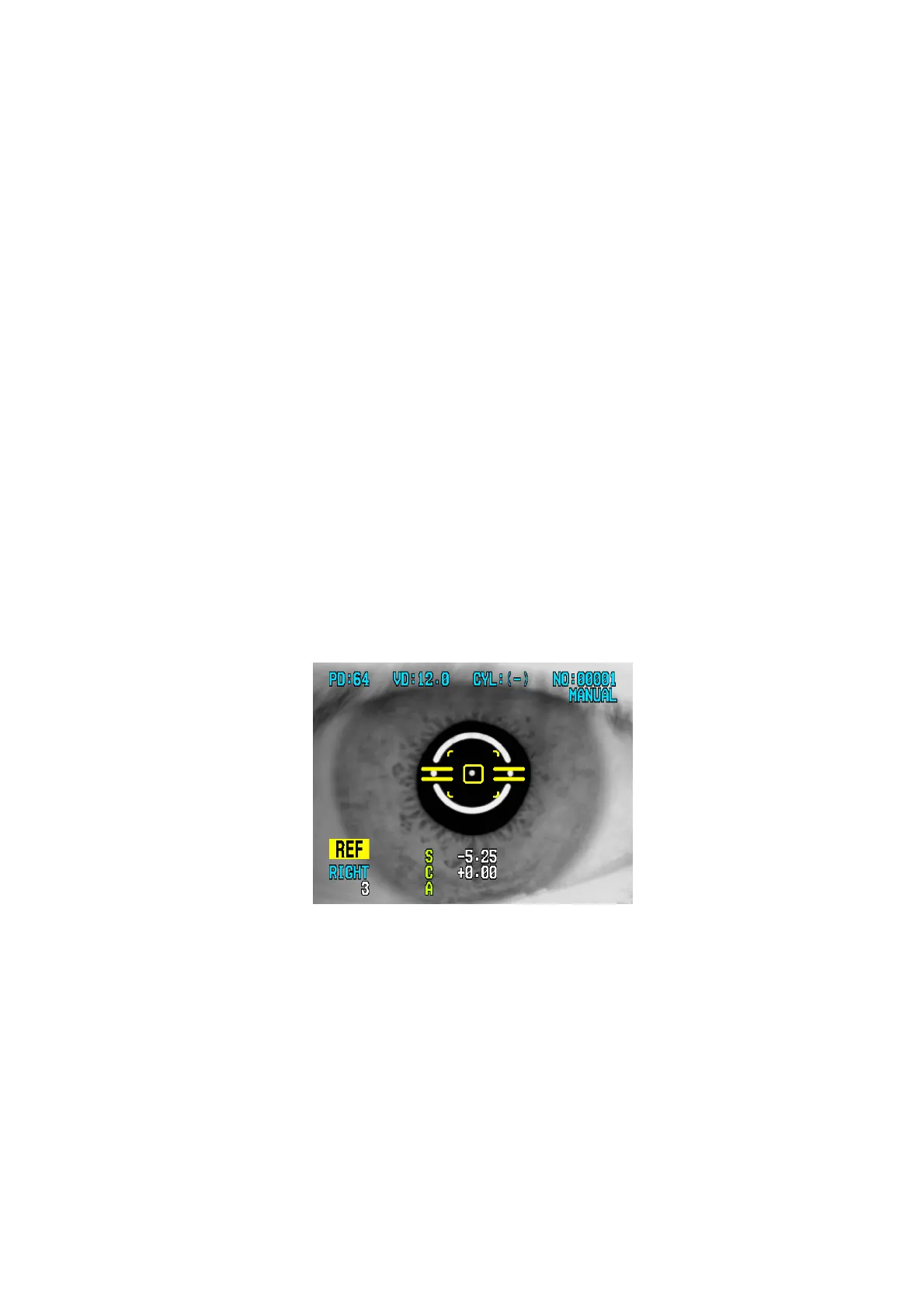
5.2 Refractometry (REF Mode)
Only refractometry can be performed in the REF mode.
(1) Enter the REF Mode
Press the MODE button until “REF” is displayed in the lower left side of the display.
(2) Follow the same procedure (2) of the Continuous Keratometry and Refractometry
(K/R Mode).
(3) Perform alignment and Focusing
Align the pupil and alignment marks, and focus on the mire image by using the
operation lever.
(4) Measurement
Press the measurement button.
Measurement will be continuously performed when the measurement button is kept
pressed.
z Just by pressing the “SIZE” button more than one second, you can select the vertex
distance. It will be displayed by SETUP when you turn on the power.
z Just by pressing the “ILLUM” button more than one second, you can change display
format of CYL value. It will be displayed by SETUP when you turn on the power.
NOTES:
① There can be error if the Outer Alignment Mark and the pupil is eccentric.
② There may be some aberration to the measurement value due to the
eccentricity or inclination of lens, or deformation of cornea after surgery.
③ Reliability of the measurement with IOL switch turned ON may be low.



 To Next Page