PRK-5000 Operation Manual
- 13 -
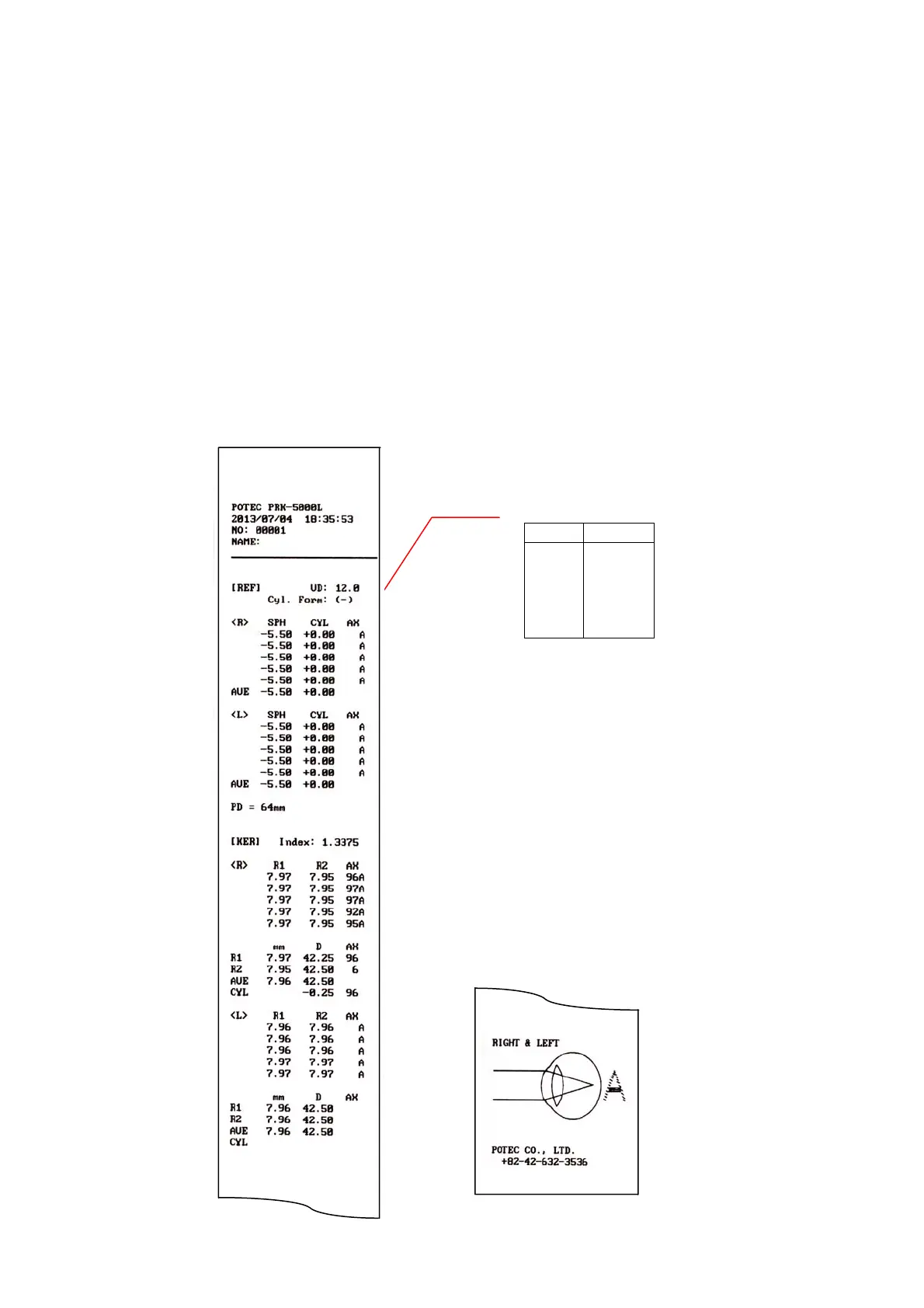
(7) Print
Press the Print button.
The selected data in the SETUP mode will be printed. (See 6.4.2 Serial Number, Time
and date, Print Format).
Lift the printing paper from one side and give it a sharp tug to tear it off after printing is
completed.
Fill the name of the examinee in the NAME box if necessary.
NOTES:
① Results will be erased after printing/transfer is performed.
② It is recommended that a hard copy of the printouts be made if you wish to
store it for a long time, because printouts on the thermal paper are apt to
deteriorate.
< example of printout >
Confidence of Result
Level Quality
A (High)
B
↕
C
D
E (Low)



 To Next Page