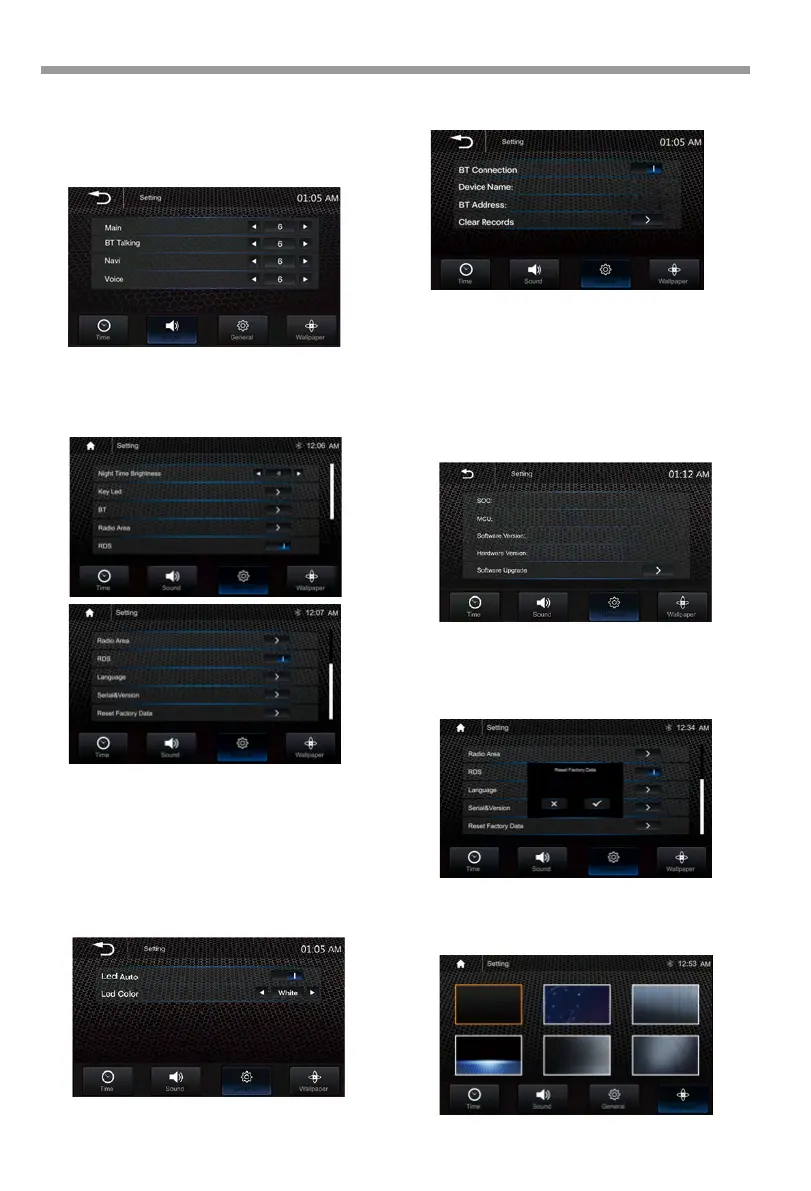
Radio Area:
Select the region: America/ Europe/ Eastern
Europe/ Japan / Southeast Asia /Latin America /
Asia / Australia.
Settings Settings
Subwoofer : On/Off.
Subwoofer Frequency: 50Hz/80Hz/120Hz
/160Hz
Subwoofer Level: -10~+10
Default Volume :
Set the Main / BT Talking /Navi /Voice default
volume value.
General setting:
Nighttime Brightness : -15 – -1. (Default is -8).
Note: Day Time Brightness: 0
Key Led:
Led Auto
: On/Off.
ON: the Led color will change automatically.
OFF: select required Led light color: White / Red
/ Orange /Blue / Green / Purple / Cyan.
BT Setting:
HD-14KIT
Language: Select the desired language.
Serial & Version(as below):
Wallpaper:
User can select the preset wallpaper for
prefer background.
Reset Factory Data: Once selected,the unit will
prompt to confirm reset to factory settings.
Once confirmed the system will automatically
reboot.
14

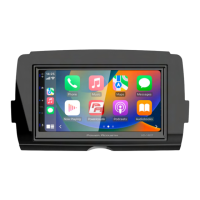


 To Next Page