Settings
Main Menu
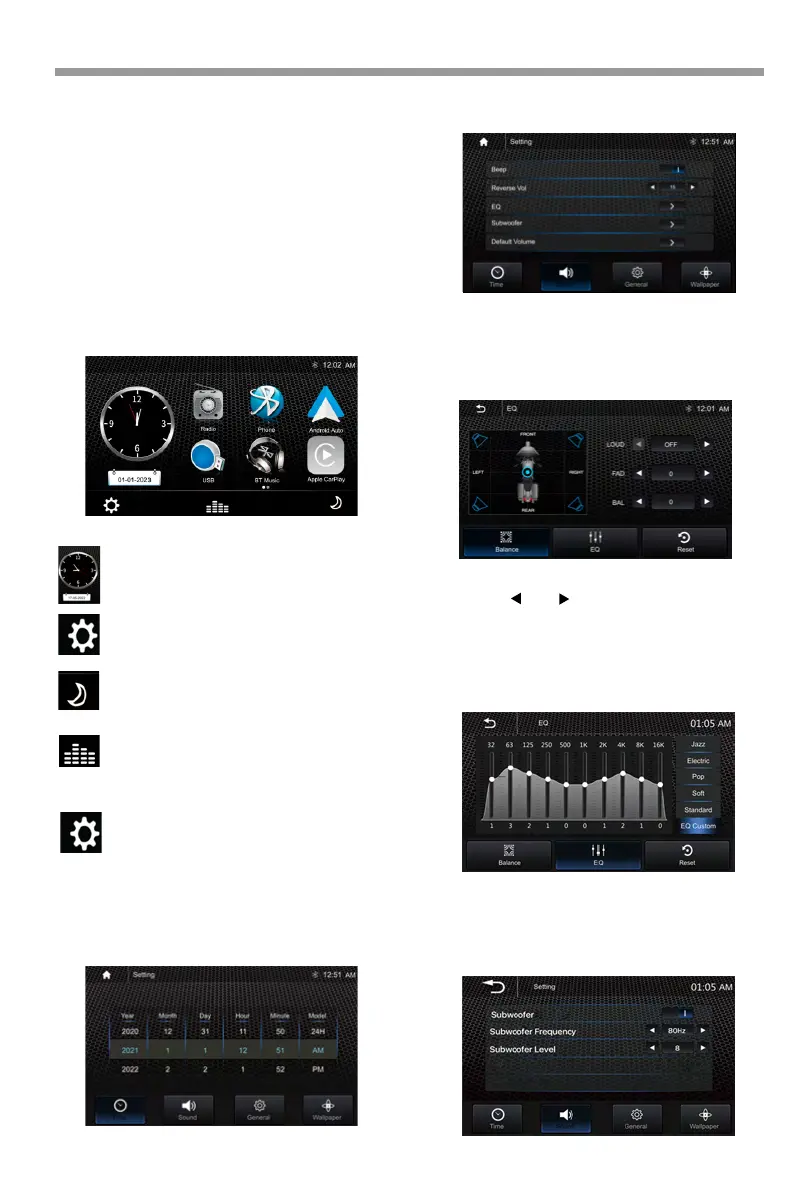
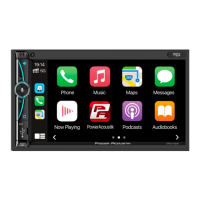
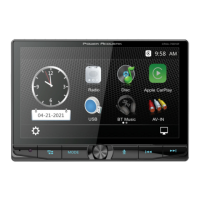
HD-14KIT is a headunit for Motorcycle with
the following functions:
Apple CarPlay®, Android Auto®, Radio, USB, BT
Music, Phone .
Touch the corresponding Mode icon to enter
playing mode. The Mode icon in gray means
the corresponding function is not ready, or
the proper device has not been connected.
During initial power on, the unit will
show the Languages setting interface,
select the required Country and
Language, then press “√” to enter the
main menu.
Setup, to enter the Settings Menu.
Time, to enter the Time Settings Menu.
Dimming, to change Daylight or Night.
EQ, to enter the Equalizer setting
menu.
Setting Menu
Time Setting
Touch the icon to enter the Setup menu.
The Time Settings allow the user to set Date & Time.
The Setup menu is included Time Setting, Sound
Setting, General Setting, Wallpaper Setting.
Sound Setting
Below shown is the Sound Setting Menu.
Beep: set the Beep tone is ON or OFF.
Reverse Vol: adjust the Vol value is 0-30.
EQ:
Set Balance/Fader & Equalizer.
Balance/Fader:
Loud: set the Loudness is ON or OFF.
Touch the “ ” or “ ” of Balance /Fader to tune for
the driver and passenger preference.
The value of Balance (Left12-Right 12) and Fader
( Front 12- Rear 12).
Touch Reset to set both Balance and Fader to 0.
10-Band Equalizer:
Subwoofer:
10
Band
of EQ tuning, slide the EQ bar to tune
each band frequency level according to user
preference.
Touch Reset to set all Band to0.
13



 To Next Page