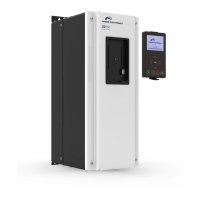
PART NAMES AND INSTALLATION
3. PART NAMES AND
INSTALLATION
Installation
WARNING
Turn the power supply off before connecting a communication network.
If the Profinet communication module is removed or installed, the power
supply should be switched off.
Otherwise, the SD300 drive may get damaged and warranty will be voided.
Install or remove the Profinet communication module when the drive
capacitor is fully discharged.
When installing the Profinet communication module, ensure that the
connectors of the drive body and the communication module are correctly
aligned.
To install the Profinet communication module, please follow these steps:



 To Next Page
 Loading...