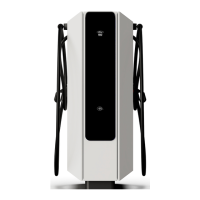
AC connector type 2
Charging process
The user must follow the instructions given below when performing a charging session:
1. If the charger is available, activate the charging session from the display, RFID contact or mobile
App (depending on available options).
2. Select the corresponding connector referred to the expected charge mode.
3. Connect the charger to the EV using the corresponding hose.
4. Ensure that the connector has been interlocked.
5. If the session and communication between the charger and vehicle are established correctly, the
charging process will begin.
6. Stop charging. The charging can be stopped in different ways: when it has reached 100% and it
stops automatically, through the display touching on the “Stop session” button, by RFID contact,
through the mobile application or by stopping the charging from the vehicle itself.
7. Once the charging has stopped, the connector can be released.


 To Next Page