◆LCD Display
With LCD plus LED displays, the user may easily get UPS status and its operational
parameters, such as input/output voltage, frequency & load%, battery % and ambient
temperature, etc..
◆Intelligent Monitoring Function
Via optional SNMP Card, you may remotely control and monitor the UPS.
◆EPO Function
The series UPS may be completely shut off when the EPO is pressed. REPO
function(Remote EPO) is also available in this series UPS.
3.1 Unpack checking
3.Installation
1.Don’t lean the UPS when moving it out from the packaging
2.Check the appearance to see if the UPS is damaged or not during the transportation, do not
switch on the UPS if any damage found. Please contact the dealer right away.
3.Check the accessories according to the packing list and contact the dealer in case of missing
parts.
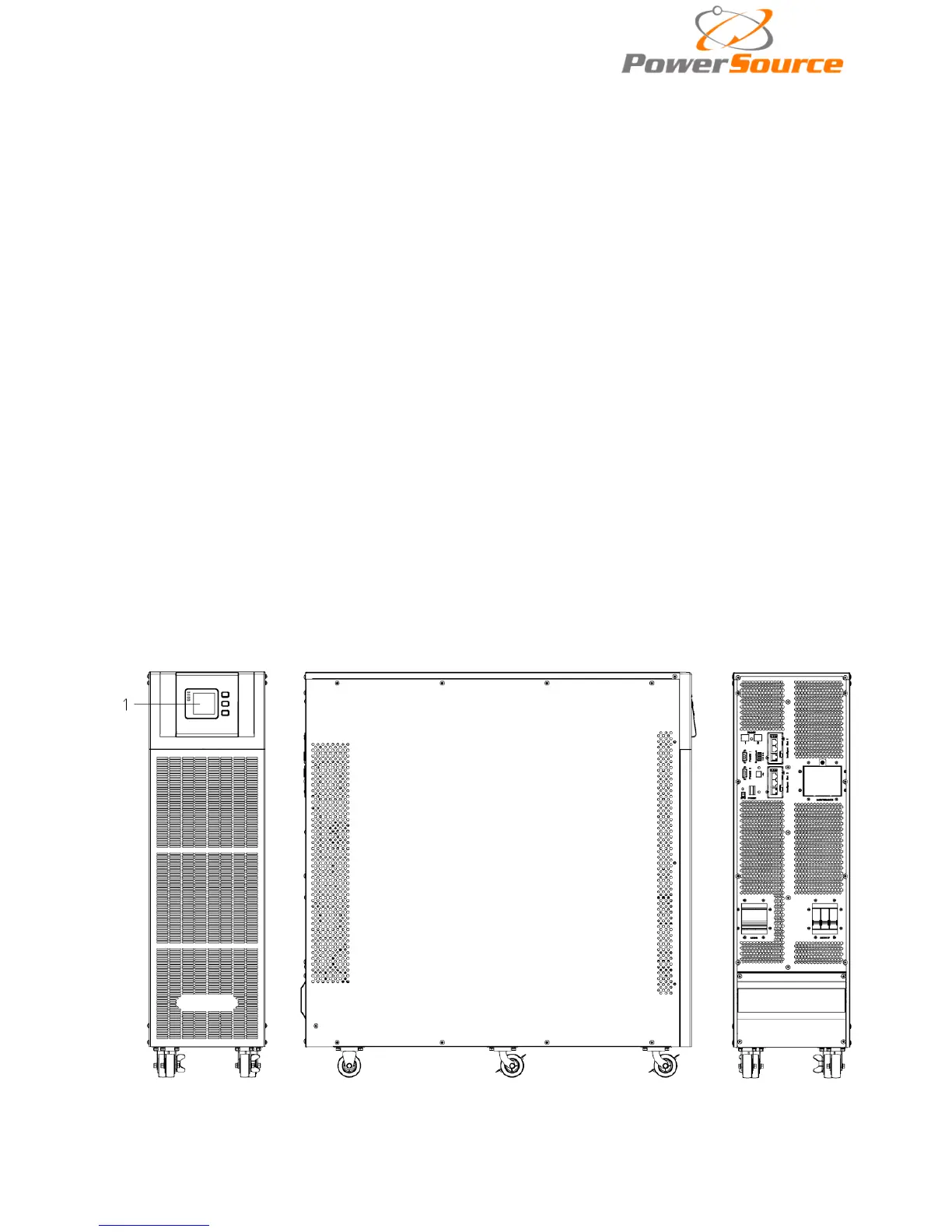
3.2 Cabinet Outlook
Front View Side View Rear View


 To Next Page