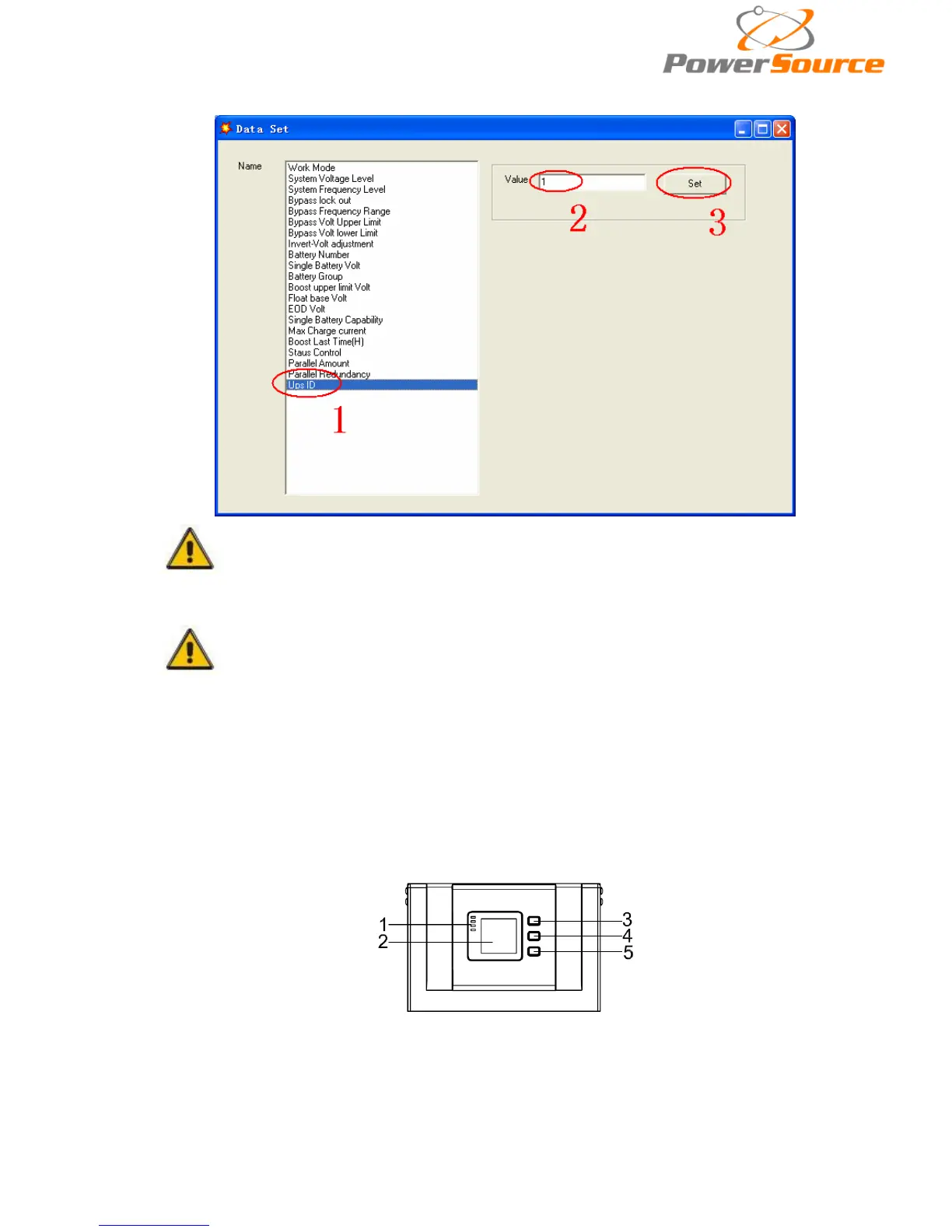
means the setting is correct.
CAUTION!
After changing the parallel system ID, the connection between
Muser4000 and equipment might be interrupted. If it occurs, please
re-connect in accordance with the instruction described before.
CAUTION!
Parallel cable cannot be connected when setting the parallel parameters.
◆After setting the UPSes needed to be paralleled, power off all the UPSes. Connect all the
UPSes according to “parallel cable installation”, and then power on the UPSes.
4.3 The LCD Display
Overview of the operating panel of the UPS
(1)LED indicator (2)LCD display (3)Scroll button:enter to next item (4)Off button (5)On button


 To Next Page