11
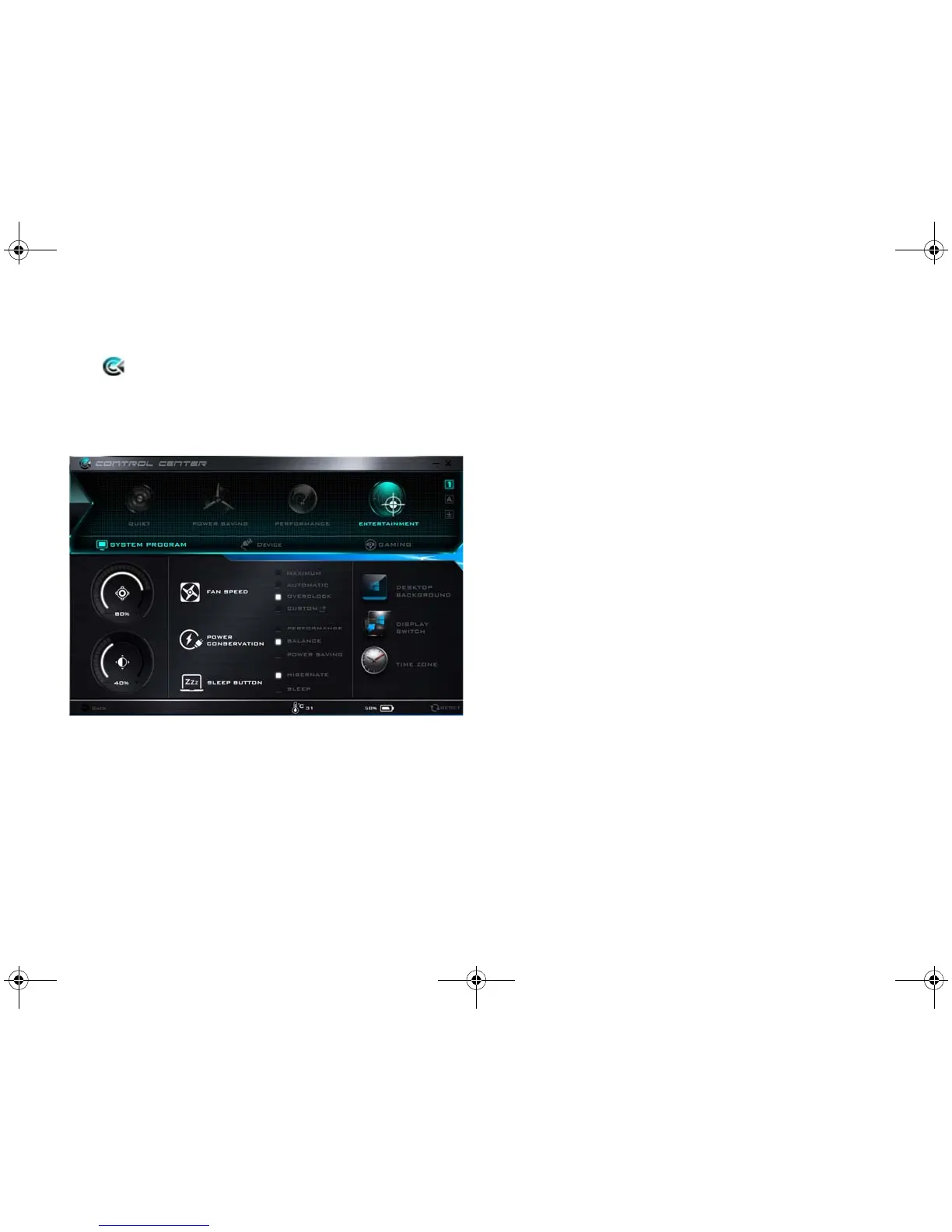
Control Center
Press the Fn + Esc key combination, or double-click the
icon in the notification area of the taskbar to toggle
the Control Center on/off. The Control Center gives
quick access to frequently used controls and enables you
to quickly turn the camera/Touchpad on/off.
Power Modes
You can set a Power Mode by clicking the appropriate
icon at the top of the Control Center. Each power mode
will affect the Power Conservation Mode, Airplane Mode,
Power Plan and PC camera power etc.
Control Center Menus
The Control Center contains 3 menu headings (System
Program, Device and Gaming) under the Power Modes.
Click the Control Center icons to toggle the appropriate
function, or hold the mouse button down and move the
dial control where applicable. Certain functions will auto-
matically be adjusted when a power mode is selected.
Click the menu headings and then click any of the buttons.



 To Next Page