5
LED Indicators
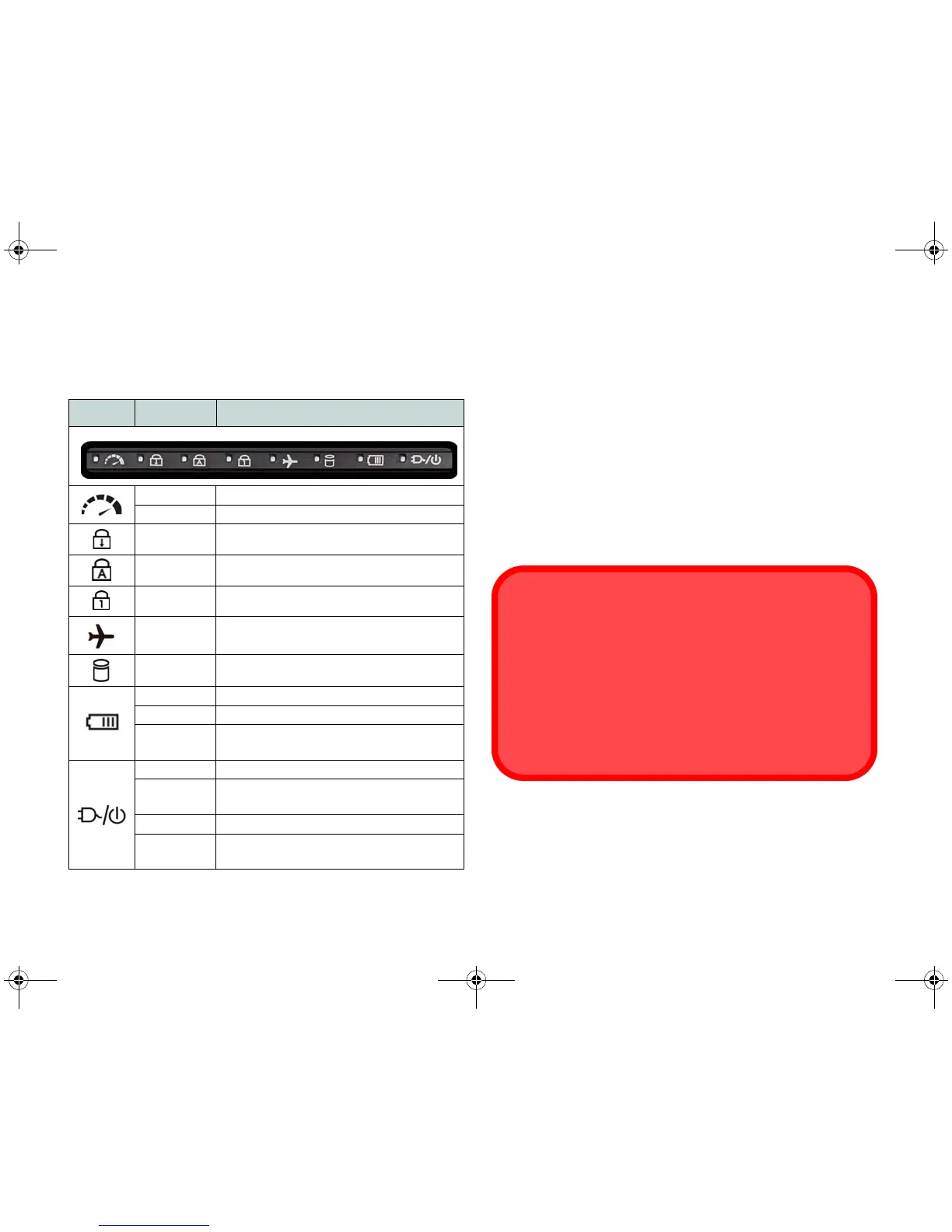
The LED indicators on the computer display helpful infor-
mation about the current status of the computer.
Table 1 - LED Indicators
*The powered USB 3.0 (USB 3.1 Gen 1) port (see page 9)
may be toggled on /off by means of the Fn + Power But-
ton key combination. When the powered USB port is on
it will supply power (for charging devices only, not for
operating devices) when the system is off but still pow-
ered by the AC/DC adapter plugged into a working outlet,
or powered by the battery with a capacity level above 20%
(this may not work with certain devices - see page 26).
Icon Color Description
Off MSHYBRID Mode
Green DISCRETE Mode
Green Scroll Lock Activated
Green Caps Lock Activated
Green Number Lock (Numeric Keypad) Activated
Green
Airplane Mode is ON (the WLAN and
Bluetooth Modules are OFF)
Green The Hard Disk is in use
Orange The Battery is Charging
Green The Battery is Fully Charged
Blinking
Orange
The Battery Has Reached Critically Low
Power Status
Orange The AC/DC Adapter is Plugged In
Blinking
Orange*
The AC/DC adapter is plugged in and the
powered USB Port is on*
Green The Computer is On
Blinking
Green
The Computer is in Sleep Mode
Wireless Device
Operation Aboard Aircraft
The use of any portable electronic transmission devices
aboard aircraft is usually prohibited.
Make sure the wireless modules are OFF if you are using
the computer aboard aircraft by putting the system in to Air-
plane Mode.



 To Next Page