PQR
Series Model D52
Page 24
www.Powertronics.com
V2.1
Detail Report
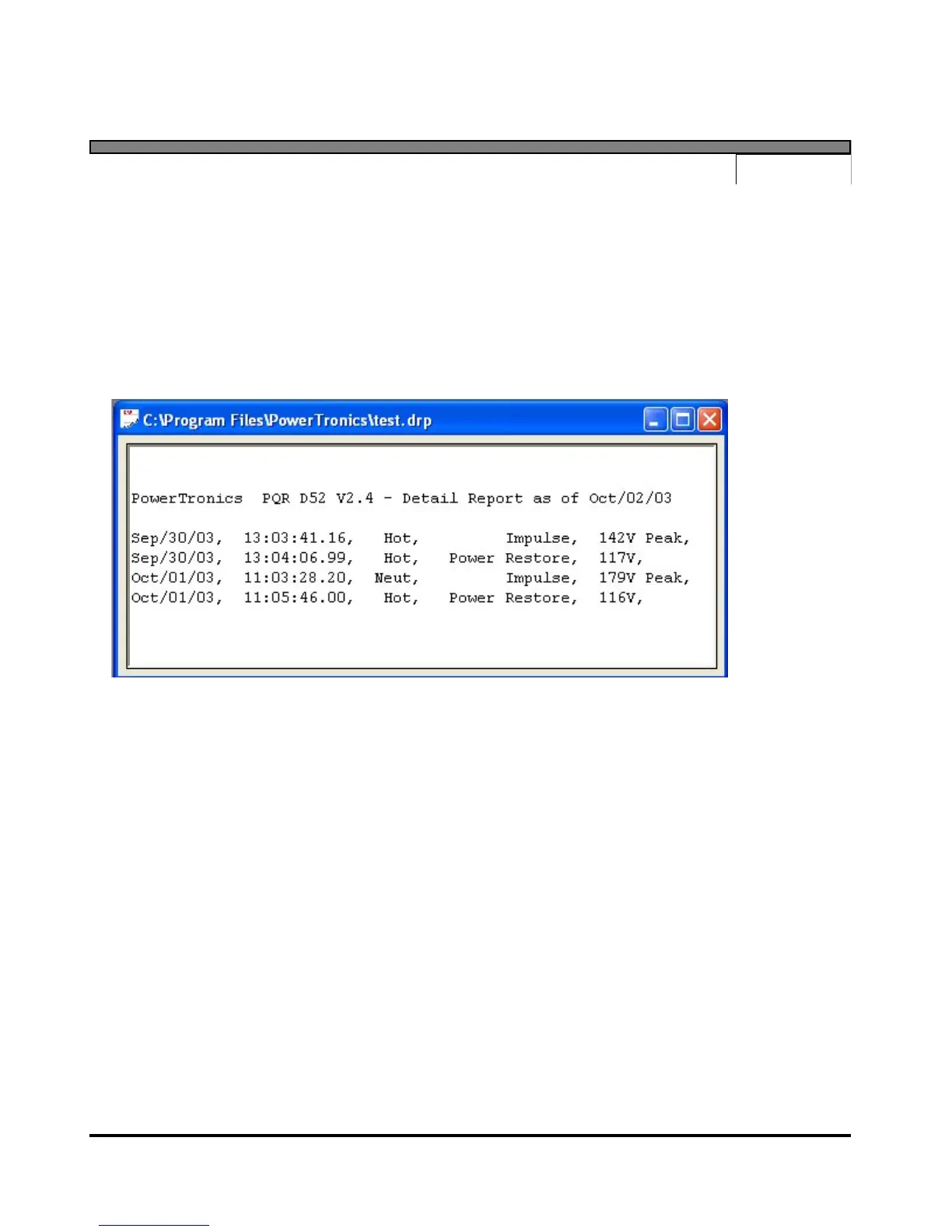
Selecting the "Detail Report" menu item will download a listing of all the disturbances saved since
the unit was put on-line and the RAM was cleared. Before starting the transmission, the user will be
asked to specify the name and location of a file to write the data to. After the transfer is complete,
the program will automatically open a data window containing the downloaded data. Each event is
described by the date, time, phase, event type, and magnitude of that disturbance..


 To Next Page