Configuration
16
Powerware
®
5105 User’s Guide S 05146193 A Uncontrolled Copy
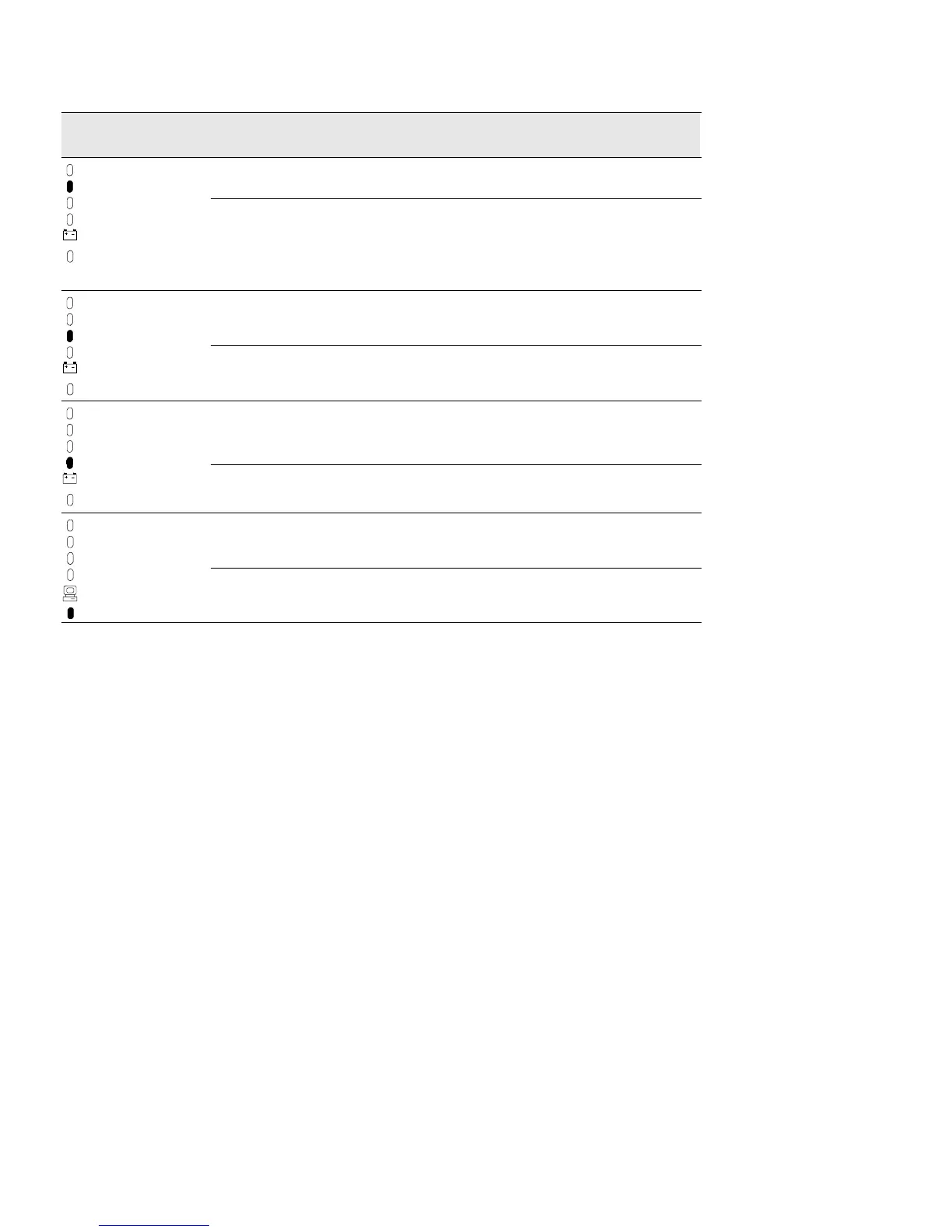
ExplanationPower On
Indicator
OptionLED
Shutdown Delay ON (default) 5-second delay before unconditional shutdown after the UPS receives a
signal from a computer via the communication port.
OFF 180-second delay before unconditional shutdown after the UPS receives a
signal from a computer via the communication port. When this LED is not
enabled, the user can also create a new delay time by reconfiguring the
communication port. See “Communication Port Configurations” on page 23
for more information.
AC Input Failure ON (default) Alarm sounds when there is an AC input failure.
OFF Alarm DOES NOT sound when there is an AC input failure.
Sleep Mode ON (default) When the UPS is on battery for approximately 5 minutes and the load is
drawing less than 5% of the current, the UPS shuts down the load. This
feature conserves battery power.
OFF Select this option if you want a load less than 5% of the current to be
protected by battery power for longer than approximately 5 minutes.
Reset Defaults ON (default) All factory-set defaults are active.
OFF One or more factory-set defaults have been changed.



 To Next Page