Troubleshooting
33
Powerware
®
5105 User’s Guide S 05146193 A Uncontrolled Copy
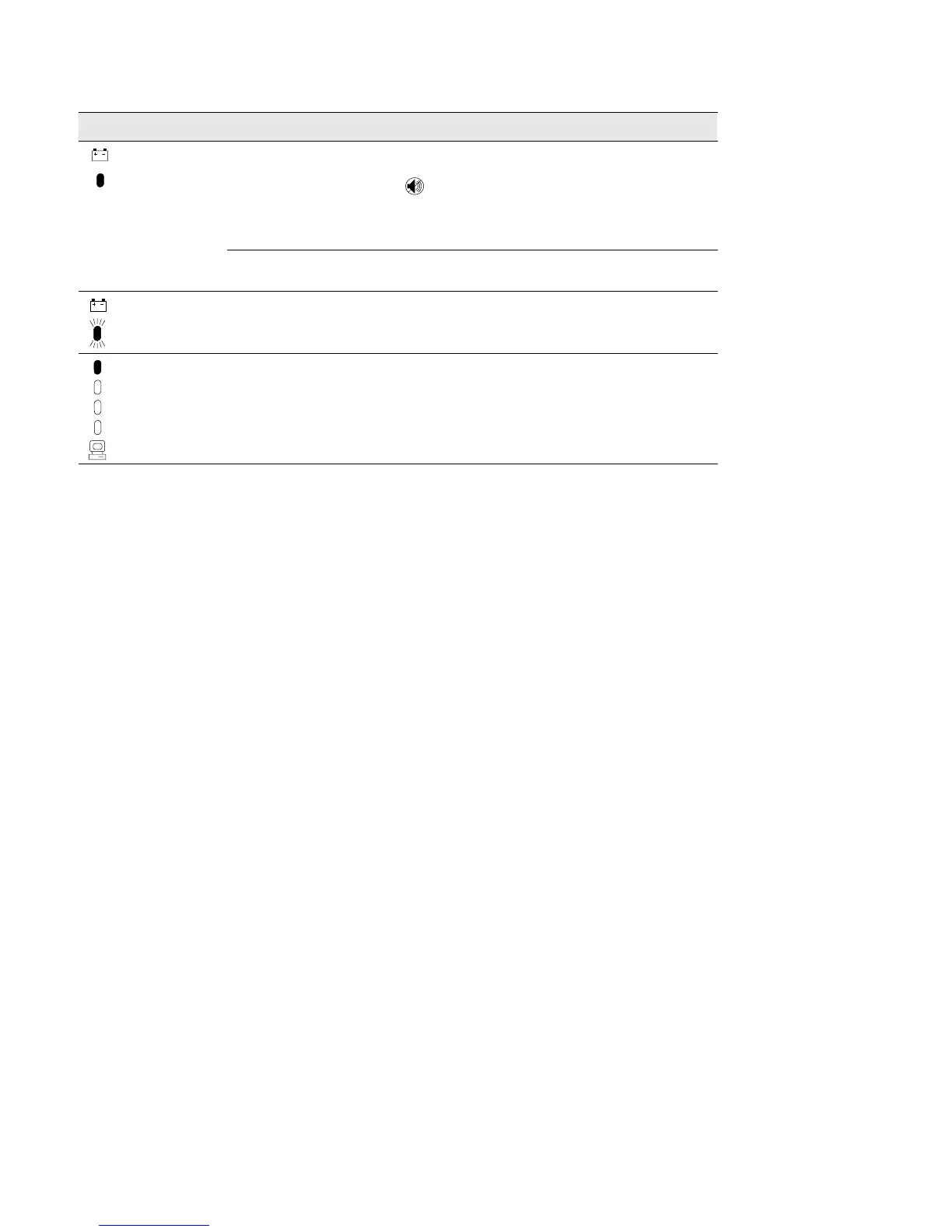
ActionPossible CauseAlarm or Condition
Battery Service
The battery may be fully
discharged because of:
S long-term storage
S frequent power outages
S end of battery life
Plug the UPS into a power outlet for 24 hours to charge the
battery. After charging the battery, press and hold the
button for 3 seconds; then check the Battery Service
indicator.
If the Battery Service indicator is still on, see “UPS
Maintenance” on page 17 to replace the battery.
The battery is not connected
correctly.
Check the battery connections. Call your service
representative if the problem persists.
Battery Service
The DC voltage is high; the
alarm does not clear.
Contact your service representative.
Overload
Power requirements exceed
UPS capacity or the load is
defective.
Remove some of the equipment from the UPS. You may
need to obtain a larger capacity UPS.
Service and Support
If you have any questions or problems with the UPS, call your Local
Distributor
or the Help Desk at one of the following telephone numbers
and ask for a UPS technical representative.
In the United States 1-800-365-4892
In Canada 1-800-461-9166
All other countries 1-919-870-3149
Please have the following information ready when you call the Help
Desk:
S Model number
S Serial number
S Version number (if available)
S Date of failure or problem
S Symptoms of failure or problem
S Customer return address and contact information



 To Next Page