Troubleshooting
32
Powerware
®
5105 User’s Guide S 05146193 A Uncontrolled Copy
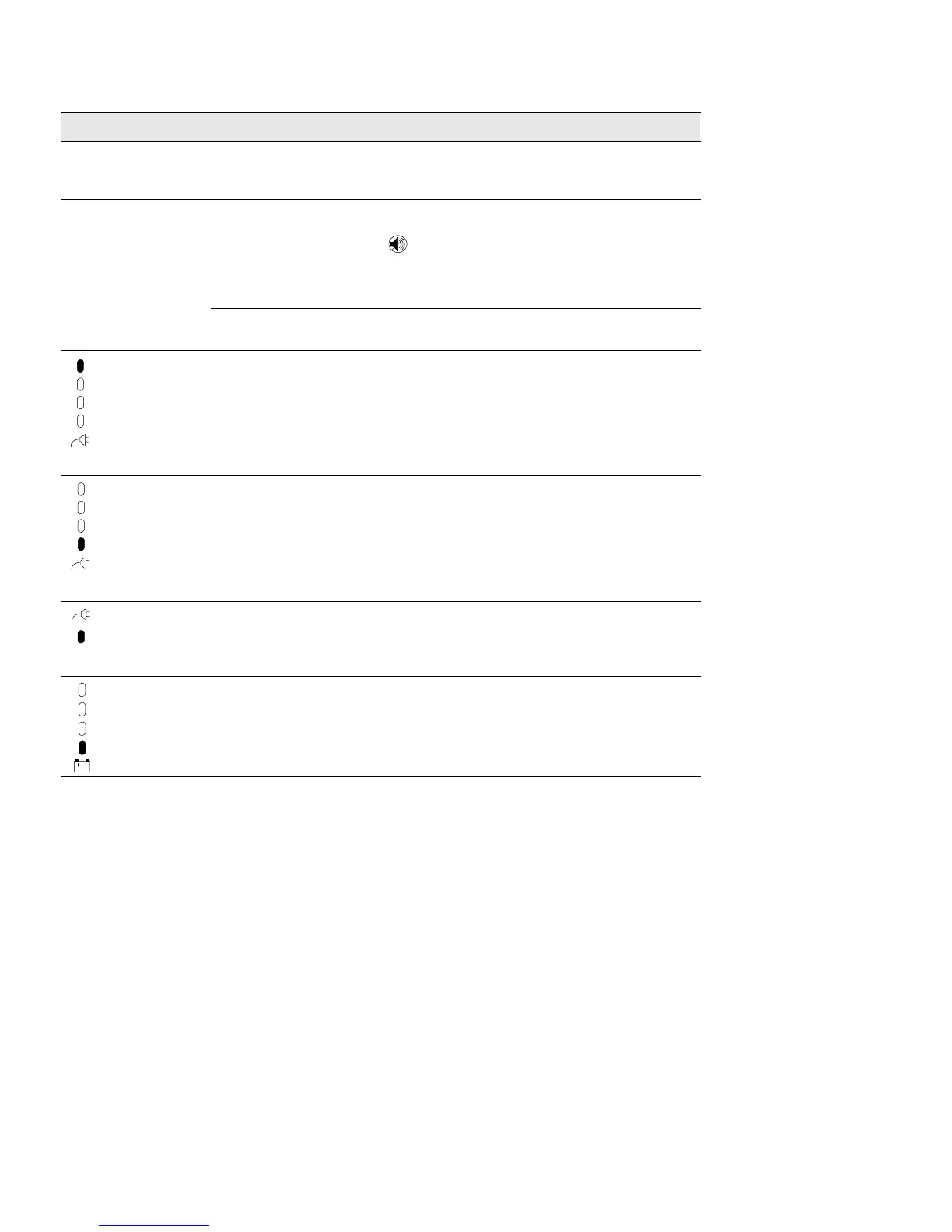
ActionPossible CauseAlarm or Condition
The UPS switches
frequently between
battery and AC input.
Input voltage in your area
differs from the UPS nominal.
Change the UPS input voltage to match your local voltage;
see “Configuration Mode” on page 13.
The Low Battery Alarm
does not give enough
warning.
The batteries need charging or
service.
Plug the UPS into a power outlet for 24 hours to charge the
battery. After charging the battery, press and hold the
button for 3 seconds; then check the Battery Service
indicator.
If the Battery Service indicator is still on, see “UPS
Maintenance” on page 17 to replace the battery.
The Low Battery Alarm is not
set appropriately.
Change the alarm setting. See “Configuration Mode” on
page 13.
AC input high
The AC input voltage is too
high. The UPS is running on
battery power.
Correct the input voltage, if possible. The UPS continues to
operate on battery until the battery is completely
discharged.
If the condition persists, the input voltage in your area may
differ from the UPS nominal. Change the UPS input voltage
to match your local voltage (see “Configuration Mode” on
page 13).
AC input low
The line voltage is too low.
The UPS is running on battery
power.
Correct the input voltage, if possible. The UPS continues to
operate on battery until the battery is completely
discharged.
If the condition persists, the input voltage in your area may
differ from the UPS nominal. Change the UPS input voltage
to match your local voltage (see “Configuration Mode” on
page 13).
Site Wiring Fault
Ground wire connection does
not exist or the line and
neutral wires are reversed in
the wall outlet.
Have a qualified electrician correct the wiring.
To disable this alarm, see “Configuration Mode” on
page 13.
Low Battery Charge
The battery is running low. 3 to 5 minutes or less of battery power remains (depending
on load and battery charge).
Prepare for a shutdown. Save your work and turn off your
equipment.



 To Next Page