UPS Maintenance
19
Powerware
®
5105 User’s Guide S 05146193 A Uncontrolled Copy
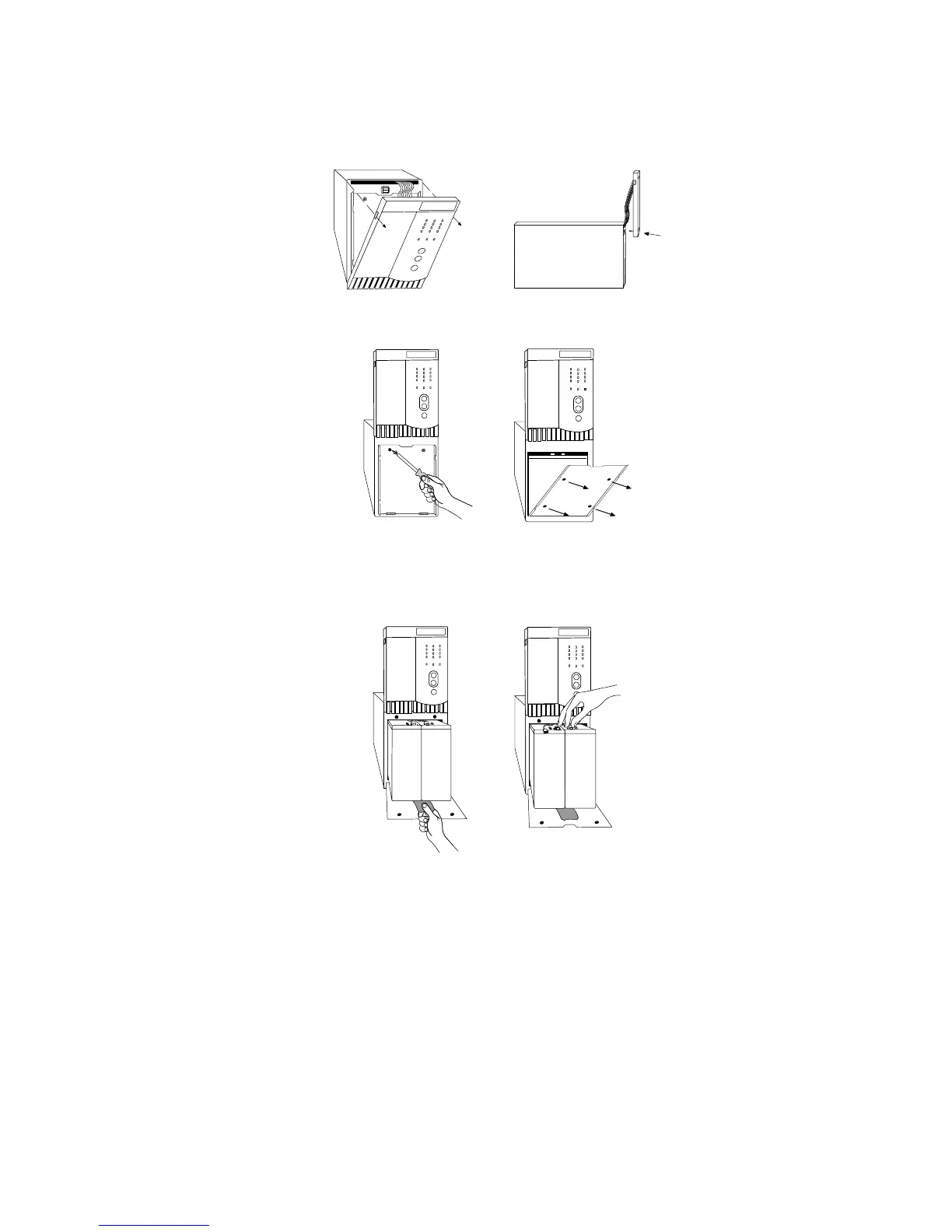
Use the following steps to replace the batteries:
1. Pull the front panel forward and snap into place as shown.
2. Unscrew the metal b attery cover.
450–700 VA 1000–1500 VA
3. Pull the battery out onto a flat, stable sur face and disconnect
the battery cables to the UPS.



 To Next Page