UPS-Mounted Bypass Switch Installation
31
Powerware
®
9155 UPS (8–15 kVA) User’s Guide S 164201553 Rev D www.powerware.com
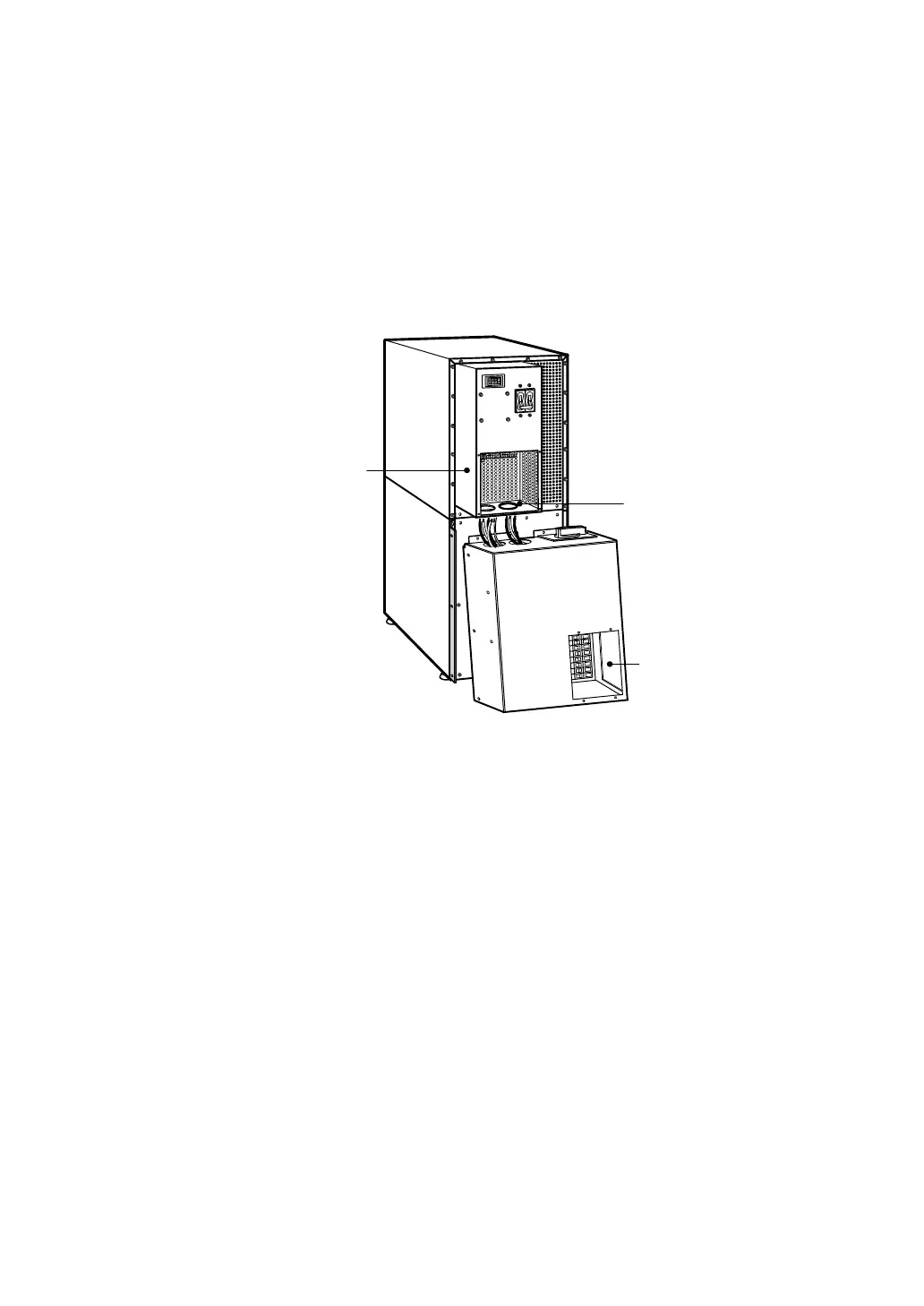
5. Insert the two supplied nylon bushings inside the wiring access
holes on the UPS conduit landing plate (see Figure 15).
6. Remove the MBM/PDM wiring access cover and the conduit
landing plate and retain.
7. Tilt the top of the module forward and slide the module onto
theL-brackets.Thetopleftflangeonthemodulefitsupunder
the UPS electronics unit through an access slot.
Nylon Bushings in UPS
Wiring Access Holes
MBM/PDM Wiring Access
Cover and the Conduit
Landing Plate (Removed)
UPS Electronics
Unit
Figure 15. Installing the MBM or PDM (MBM Shown)












 To Next Page