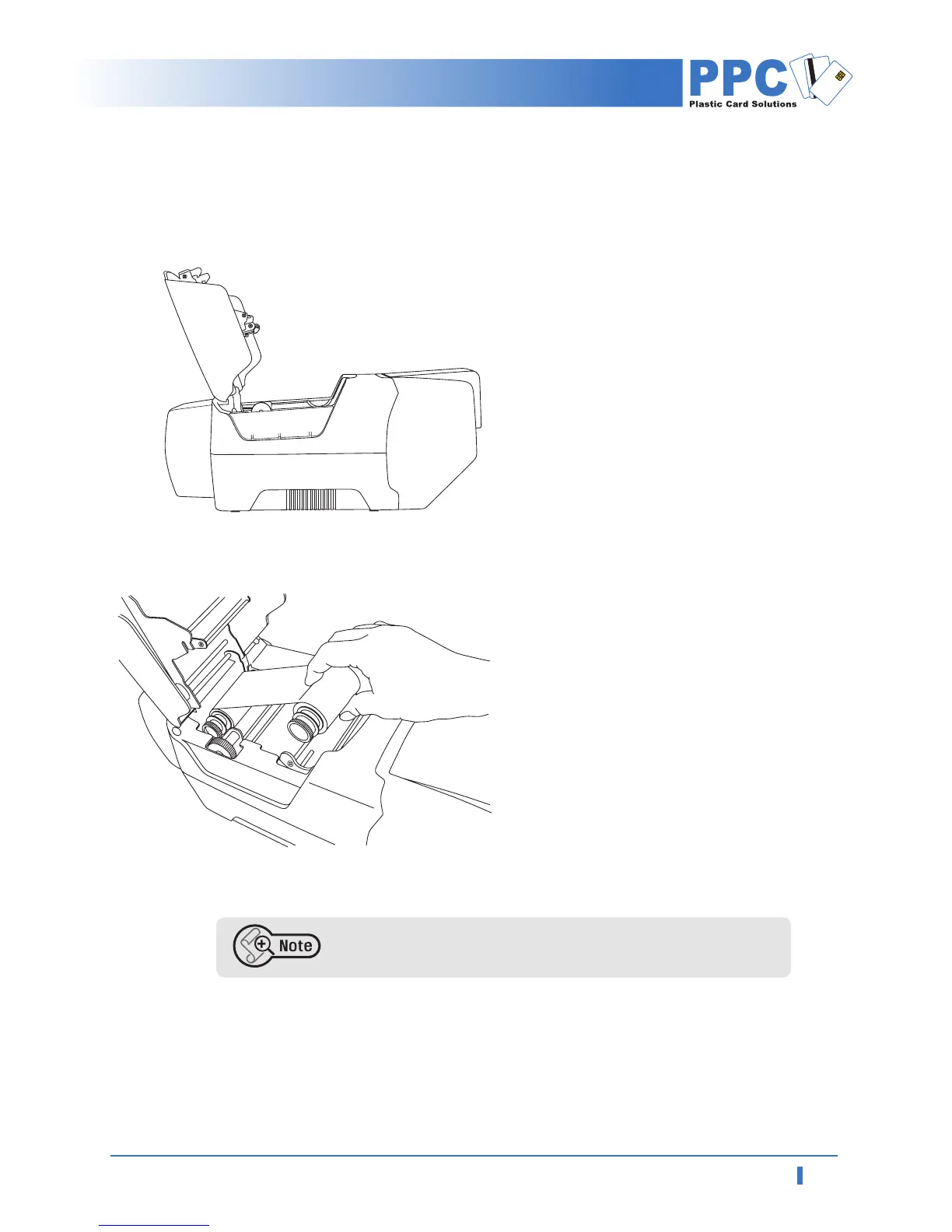
1.4 Loading Ribbon
Please note that improper closing lock of the printer lid may cause
poor printing. (Check out lock of the printer lid)
1
Unpack ribbon carton box.
2
Open printer lid by pressing Cover
Release Button and raise it fully.
3
Make sure that ribbon on is placed in
right position and the printer lid is
closed.



 To Next Page