3.4
How to Replace TPH(Thermal Print Head) and Consumables
1
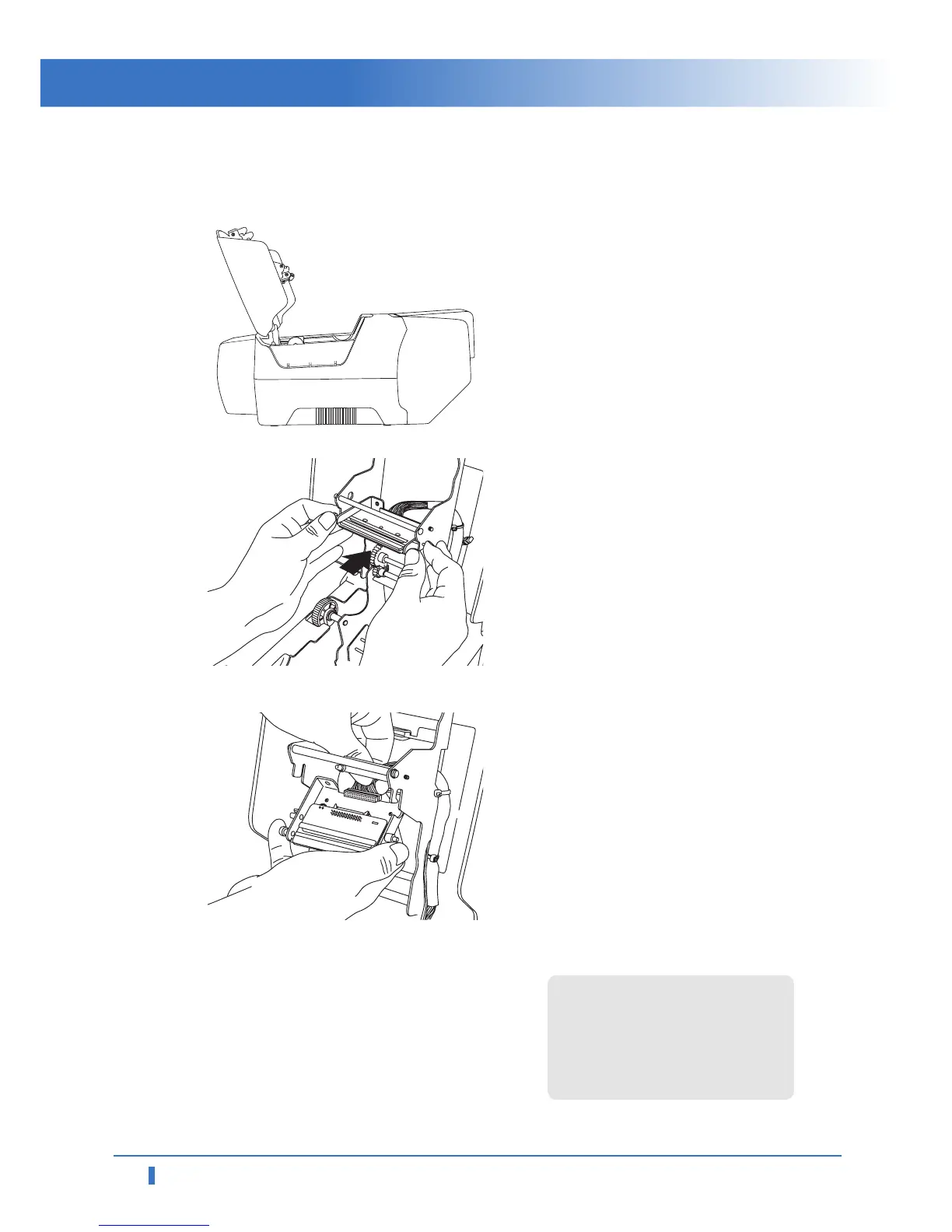
Turn the power off. Open printer lid
by pressing the Cover Release
button.
2
Pull the TPH upward and backward,
then head cover is detached. And
disconnect cable connectors from
the printer.
3
Connect the new TPH's cable
connectors to the printer.
4
After completing TPH replacement,
execute "Start" → All Program" →
"PPCID-2X00" → "Remote Control
Program".
In remote control program, set
the resistant value of new TPH.
Click the "Printer Transfer"
button.
For more information, refer to
"Printer Head settings" on pag
e 25 in
the user's manual ".
TPH resistance value is described
on TPH.



 To Next Page