2. Software Installation
2.7 Printer Driver Settings
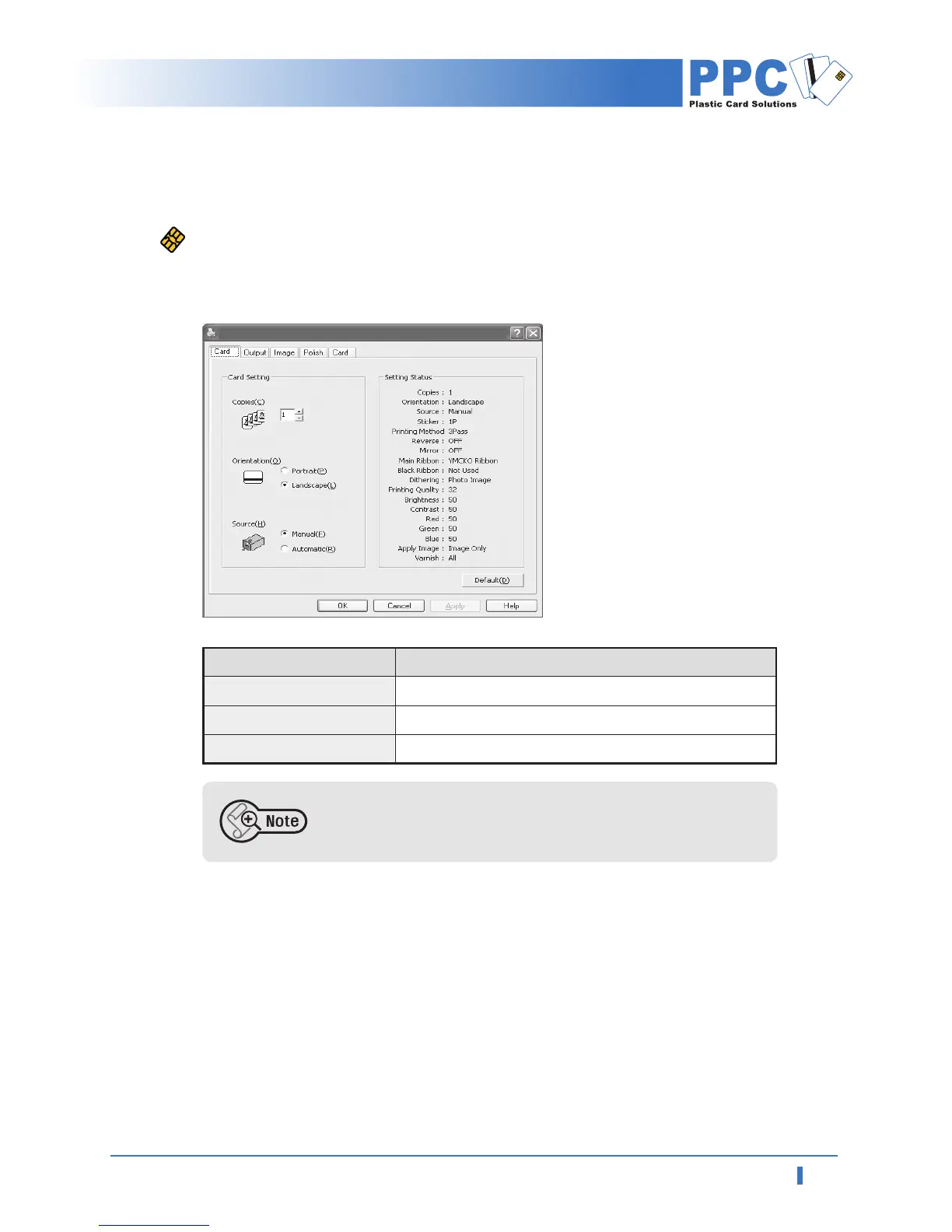
Printing Preferences
• "Card" tab
Set the number of copies, the card orientation, manual/auto feeding.
Ensure that the printing image is oriented in same direction (vertical,
horizontal) as that of card. Preview function of software will help you
check it out.
Items Descriptions
Number of copies
Card orientation
Manual / Auto Feeding
• Set the number of copies; 1 to 999
• USet the card orientation. Default is horizontal.
• USet the card feeding method; manual or auto.
PPC ID-2000 Printing Preferences



 To Next Page