2. Software Installation
2.2
Installing Microsoft Windows Application Software / Driver
Close all windows in operation. (Recommended)
Installing
1
Turn on the computer. In the Found New hardware window, click "Cancel" button.
2
The "Insert installation CD" window will open automatically.
•InsertinstallationCDwithprintedsideupinCD-ROMdrive.
•Ifinstallationwindowdoesnotopenorifyouhaveclosedit,ejectCDandre-insert.
In the
"
Start
"
Menu, select
"
Execute
"
and start
"
X(NumberofCD-ROMdrive):¥install.exe
"
and
click
"
OK
"
button.
3
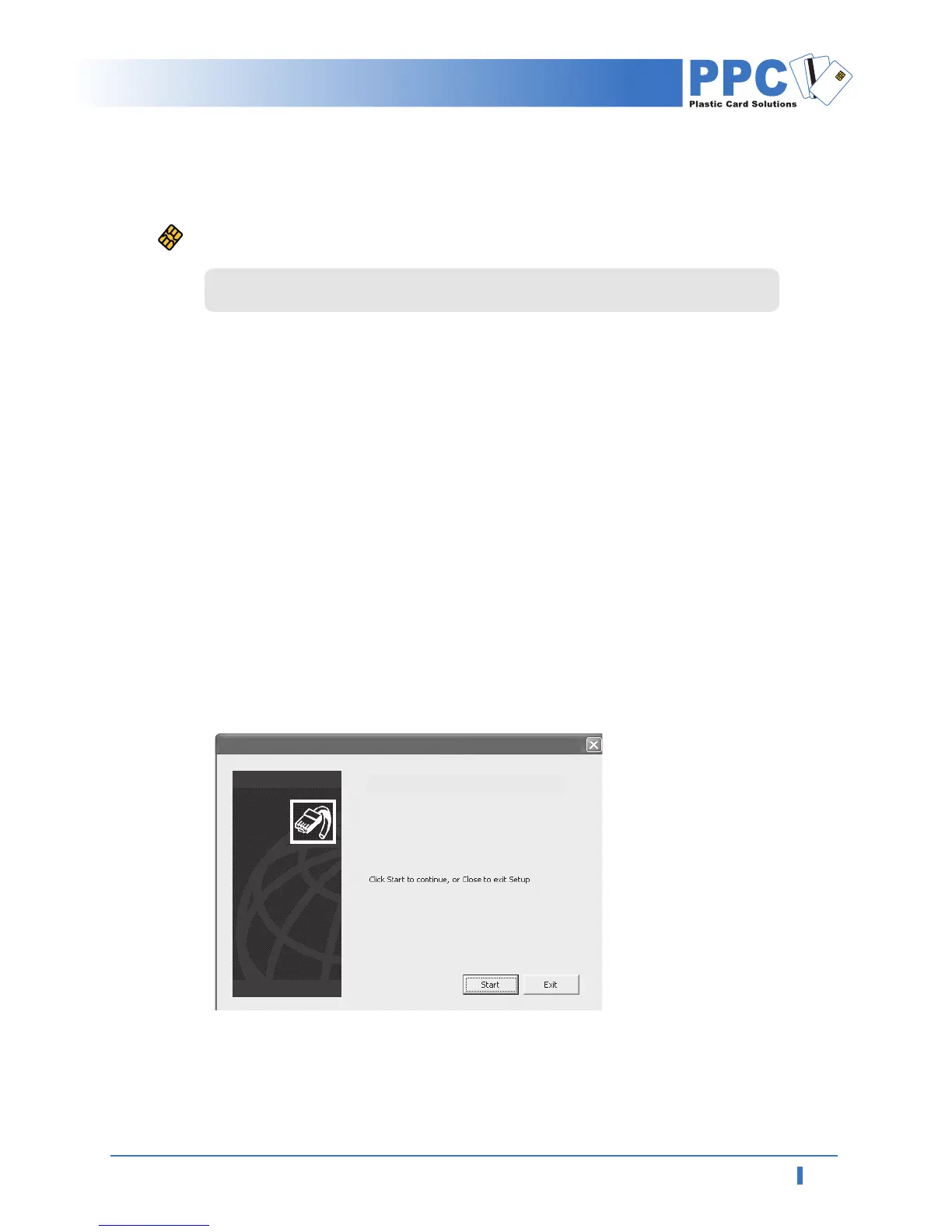
Automatically open software installation wizard window when you insert software CD.
Click "Start" to start installation process.
<Start window for software installation>
PPC ID-2000
PPC ID-2000



 To Next Page