2. Software Installation
•
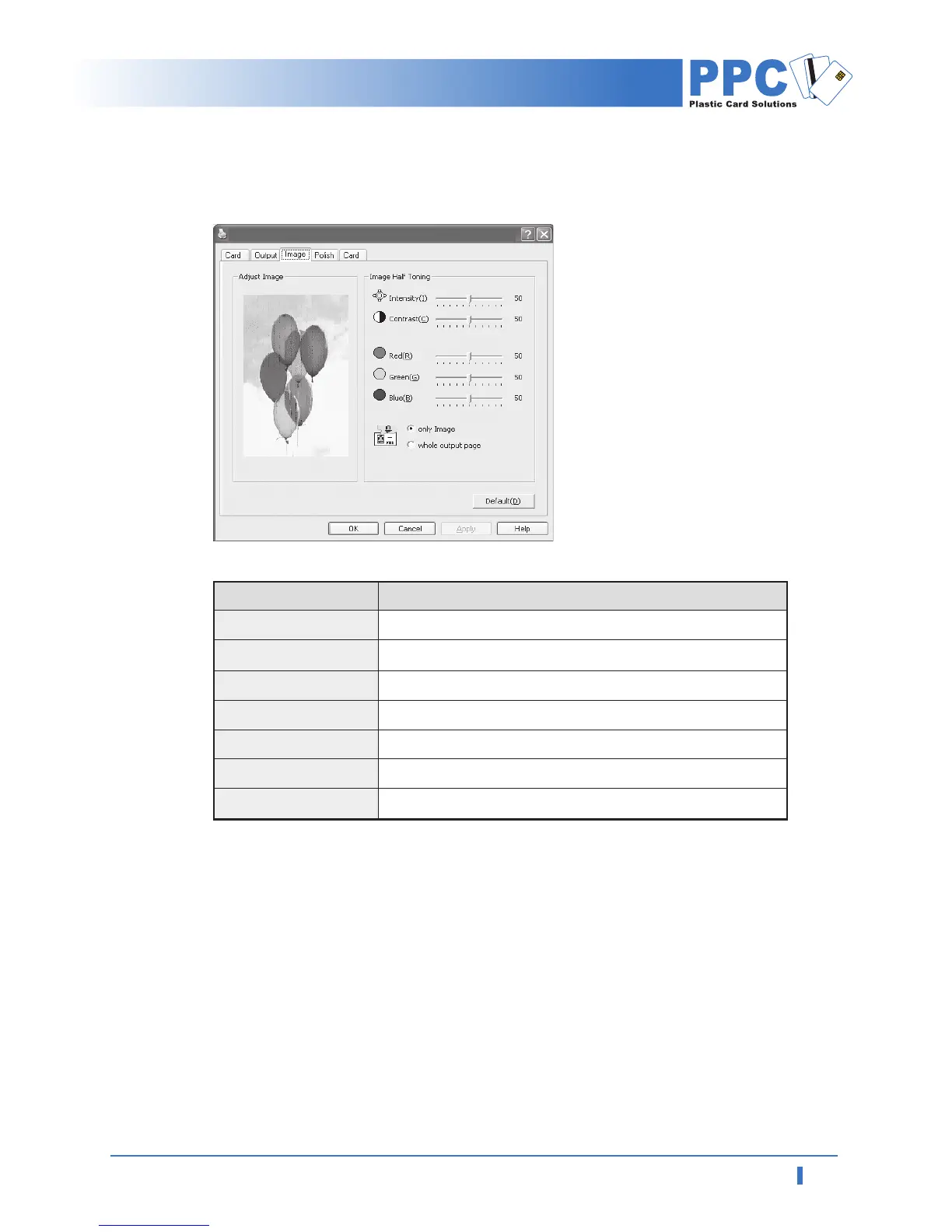
"Image" Tab
Set the Card Orientation, Printing Quality, Paper Size and Paper Quality
Items Descriptions
Intensity
Contrast
Red
Green
Blue
Only Image
Whole print page
Set brightness of image
Set contrast of image and make it more bright
Set red
Set green
Set blue
Half toning applicable only to image
Half toning applicable whole data
PPC ID-2000 Printing Preferences



 To Next Page