8.5
a)
b)
c)
d)
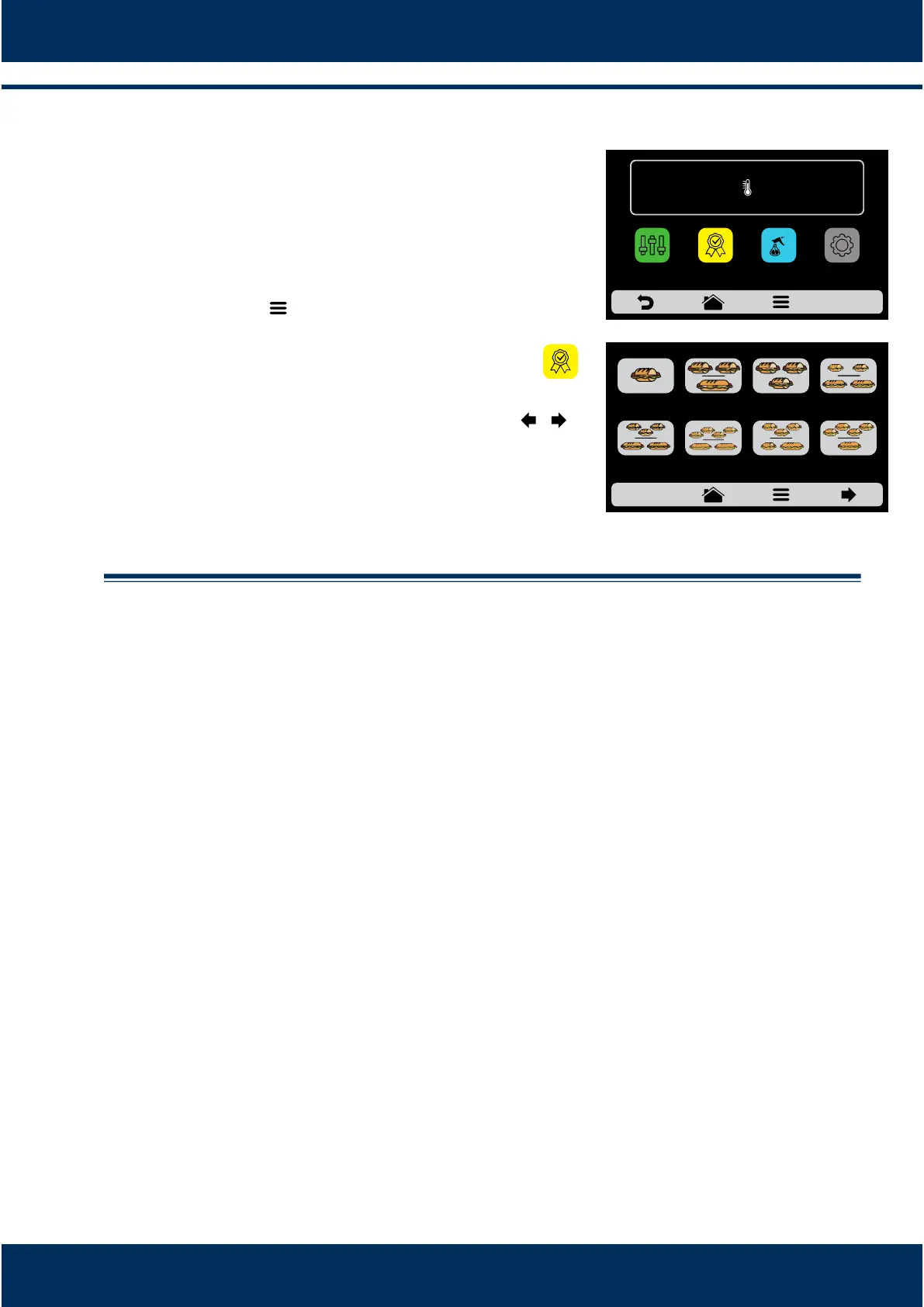
Favorites
The Favorites funconality works as a shortcut,
in which you may allocate the main and most
ulized recipes. To access it, just press the
Opons buon in the fixed menu bar.
Aer opening the Opons screen, touch the icon .
Browse through the recipes using the arrows: / .
See how to Add or Remove a recipe from the
Favorites list on page 31.
INSTALLATION AND OPERATION MANUAL
36
2 SUB 15cm
or 2 SUB 30cm
1 SUB 15cm 2 SUB 15cm
1 SUB 30cm
3 SUB 15cm
3 SUB 15cm
2 SUB 30cm
FAVORITES - page 1
4 SUB 15cm
2 SUB 30cm
3 SUB 15cm
or 1 SUB 15cm
and 1 SUB 30cm
4 SUB 15cm
1 SUB 30cm
IR
250°C
TEMPERATURE
250°C
CHAMBER
MANUAL
MODE
SETTINGSFAVORITES
DAILY CLEANING
GUIDE



 To Next Page