EasyManua.ls Logo

Pratica Copa Express - User Manual

Pratica Copa Express
80 pages
Print Icon
To Next Page IconTo Next Page
Loading...
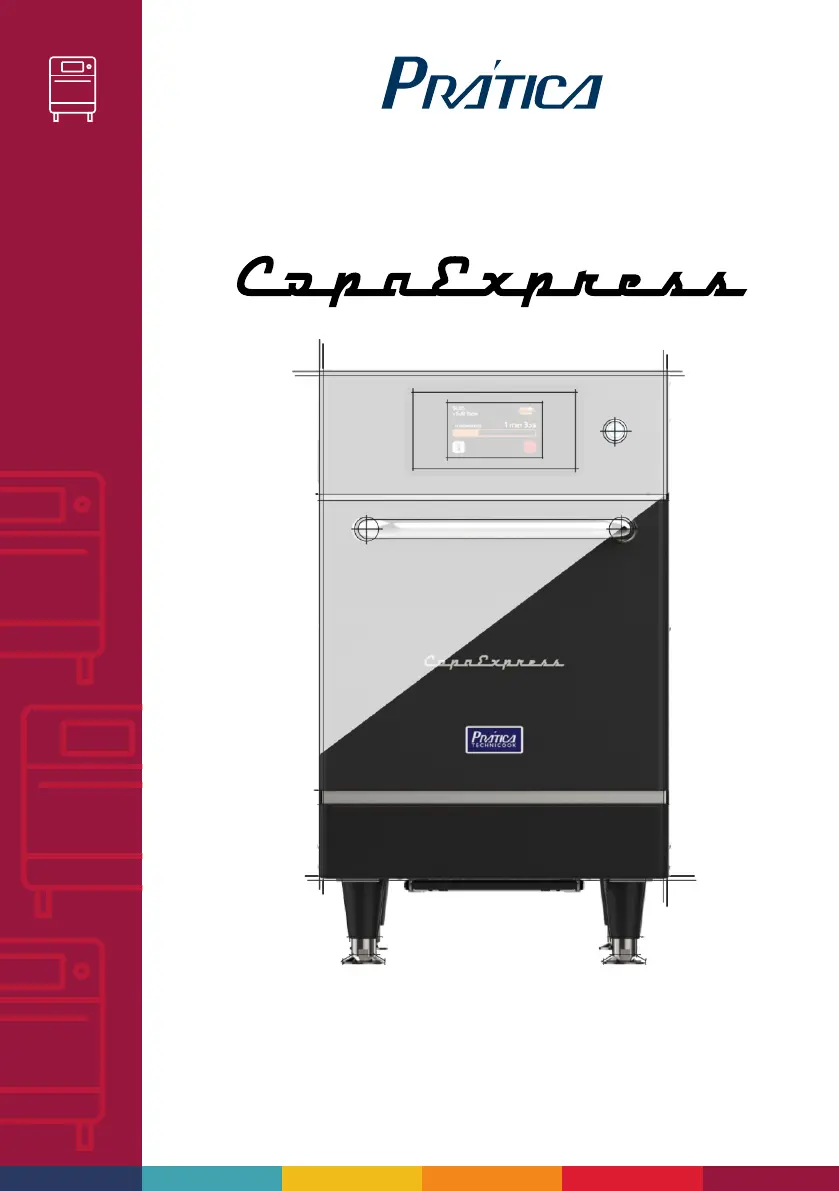
SPEED OVEN
SPEED OVEN
INSTALLATION AND OPERATION MANUAL

Other manuals for Pratica Copa Express

Questions and Answers

Summary

Important Safety Instructions

Use Recommendations

Guidelines for safe operation and handling of the oven.

Restrictions of Use

Specifies what not to do with the oven to ensure safety and prevent damage.

General Recommendations for Cleaning

Provides general advice for maintaining the cleanliness of the oven.

Safety Risk: Cleaning Chemicals

Details dangers associated with cleaning chemicals and preventive actions.

Safety Risk: Heating

Outlines risks related to hot surfaces and preventive measures.

Safety Risk: Electric Power

Covers risks associated with electricity and how to prevent electric shock.

Suitable Utensils

Lists and categorizes kitchen utensils appropriate for use with the oven.

Precautions to Avoid Microwave Exposure

Details measures to prevent excessive exposure to microwave energy during operation.

Manual Symbols Identification

Symbols Used in Manual

Explains the meaning of various danger, warning, and information symbols in the manual.

Product Warranty Information

Terms and Detailing

Outlines the duration and specific conditions of the product warranty.

Warranty Exclusions

Lists conditions and circumstances under which the warranty is not applicable.

Notes and Recommendations

Provides additional advice and suggestions for users.

Equipment Identification Details

Model and Serial Number

Fields for recording essential information for equipment identification and support.

Oven Installation Guide

Electrical Installation

Details the requirements and procedures for connecting the oven to the electrical supply.

General Installation Instructions

Provides essential guidelines for safely installing the oven in its operating location.

Dimensions

Presents the physical measurements and chamber capacity of the oven.

General Recommendations

Offers general advice for operating the oven safely and efficiently.

Copa Express Technology Explained

How it Works

Explains the technological principles and components behind the Copa Express oven's operation.

Oven Operating Principles

Microwave and Hot Air Interaction

Describes how microwaves and hot air combine to cook food.

Features

Microwave and Hot Air Speed

Details the adjustable features of microwave power and hot air speed.

Custom Recipe Creation

Creating a New Recipe

Guides users on the critical factors to consider when creating custom recipes.

Oven Operation Guide

Preheating

Instructions on how to start and manage the oven's preheating process.

Executing a Recipe

Step-by-step guide on how to select and start a recipe for cooking.

Accessing Options

How to navigate to the main settings and information screen.

User Settings and Configuration

Accessing Settings

How to enter the user settings menu using a password.

Edit Groups

How to create, modify, or delete recipe groups.

Edit Group Name

Instructions for changing the name of a recipe group.

Edit Group Image

How to change the icon associated with a recipe group.

Deleting Recipes

Process for removing individual recipes from a group.

Delete Group

How to permanently remove an entire recipe group and its contents.

Order Groups

How to reorder the display sequence of recipe groups.

Edit Recipes

Guide to modifying existing recipes or creating new ones.

Edit Steps

How to configure parameters for each step of a recipe.

Edit Cook;Brown More

How to set time for specific cooking modes.

Add;Remove from Favorites

How to manage recipes in the favorites list.

Preheat Settings

How to configure preheating temperatures and times.

USB Import;Export

How to transfer data (recipes, settings) to and from the oven via USB.

Current Temperature

Displays current temperatures of heating elements.

Celsius;Fahrenheit Setting

How to switch between Celsius and Fahrenheit temperature units.

Wi-Fi Connectivity

Steps to connect the oven to a Wi-Fi network.

Web App (IOK)

How to use the online platform for recipe management and oven updates.

System Update

Instructions for updating the oven's firmware.

Customer Support Information

Contact details and resources for technical assistance.

System Settings

Overview of system-level configurations like language, time, and volume.

Language Settings

How to change the oven's display language.

Date;Time Adjustment

How to set the oven's date, time, and format.

Volume Settings

How to adjust the volume of alarms and sounds.

Change Password

How to set or change the user access password.

Restore Original Settings

How to reset the oven to factory default configurations.

Edit Access

How to lock or unlock specific functions for operators.

Manufacturers Information

Displays firmware version, serial number, and manufacturing date.

Favorites Functionality

How to use the favorites feature for quick recipe access.

Sound Alarms

Explains when audible alarms will sound during operation.

Manual Operation Mode

Operating in Manual Mode

How to set and execute cooking parameters manually.

Oven Cleaning Procedures

Step-by-step Cleaning

Detailed instructions and videos for cleaning the oven.

Catalytic Converter Cleaning

Specific instructions for cleaning the catalytic converter.

Air Filter Cleaning

Instructions for cleaning the air filter of the oven.

Troubleshooting Alerts and Errors

Handling Alerts

How to identify and resolve alerts displayed by the oven.

Handling Errors

Procedures for dealing with system errors and contacting support.

Alerts and Errors Table

A table listing components, alert conditions, error conditions, and alarm status.

Pratica Copa Express Specifications

General IconGeneral
Internal LightYes
Voltage220 V
ThermostatYes
Timer60 minutes
Dimensions40 cm

Related product manuals