SYSTEM UPDATE
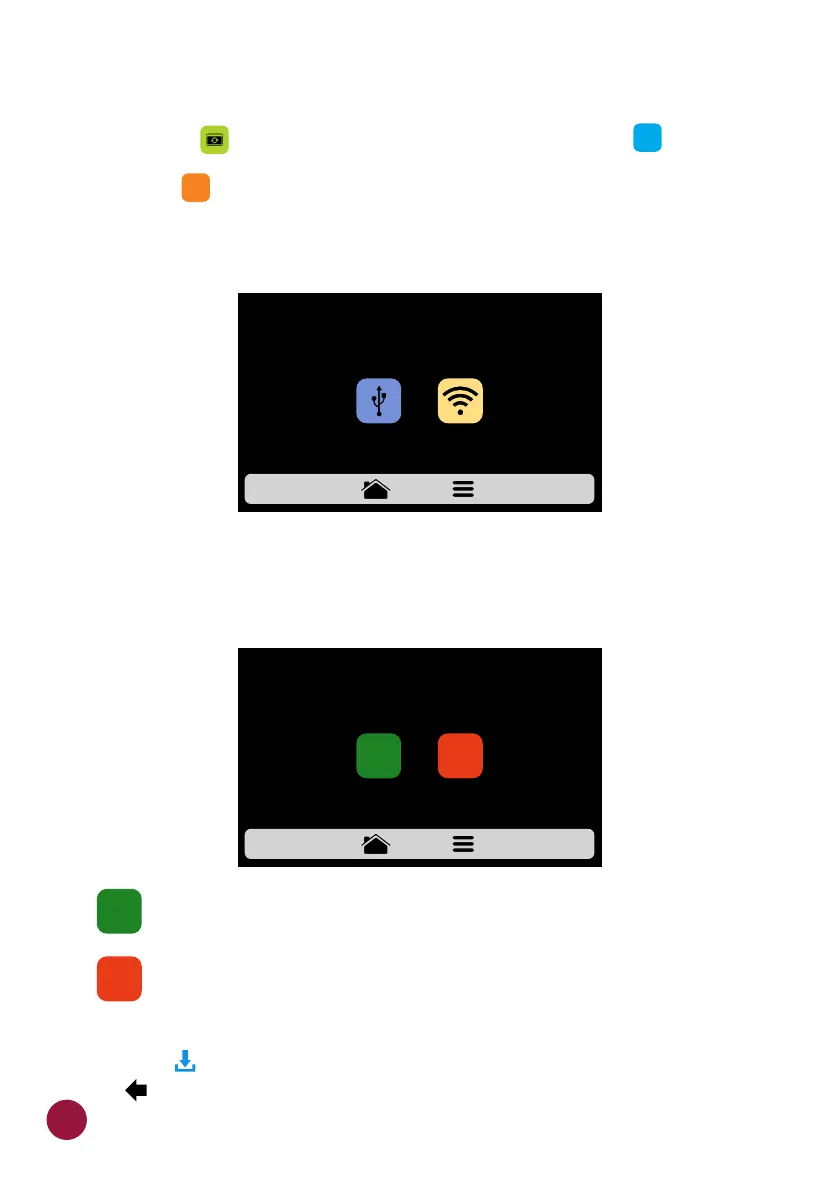
a) Press the button to choose how to update the system: .TEC TEC
Note: The option should only be used by an authorized technician.TEC
b) Then choose the Wi-fi option.
b) When a new update is available, the following screen will appear. Press
the "Yes" icon to proceed with the update or "No" to return to the settings
menu.
.
The download is done in the background and the user returns to the
previous screen.
Returns to the settings menu.
c) While the download is being performed the green bar will blink, if you
press the icon, the download status screen will be displayed. By pressing TE
the icon, the previous screen will be displayed and the download will TEC
continue in the background.
USB
SYSTEM UPDATE
WI-FI
CHOOSE HOW YOU WANT TO UPDATE YOUR EQUIPMENT:
SYSTEM UPDATE
WE FOUND AN UPDATE AVAILABLE FOR YOUR DEVICE.
DO YOU WANT TO DOWNLOAD IT NOW?
YES
NO
YES
NO
IHM
POWER
58



 To Next Page