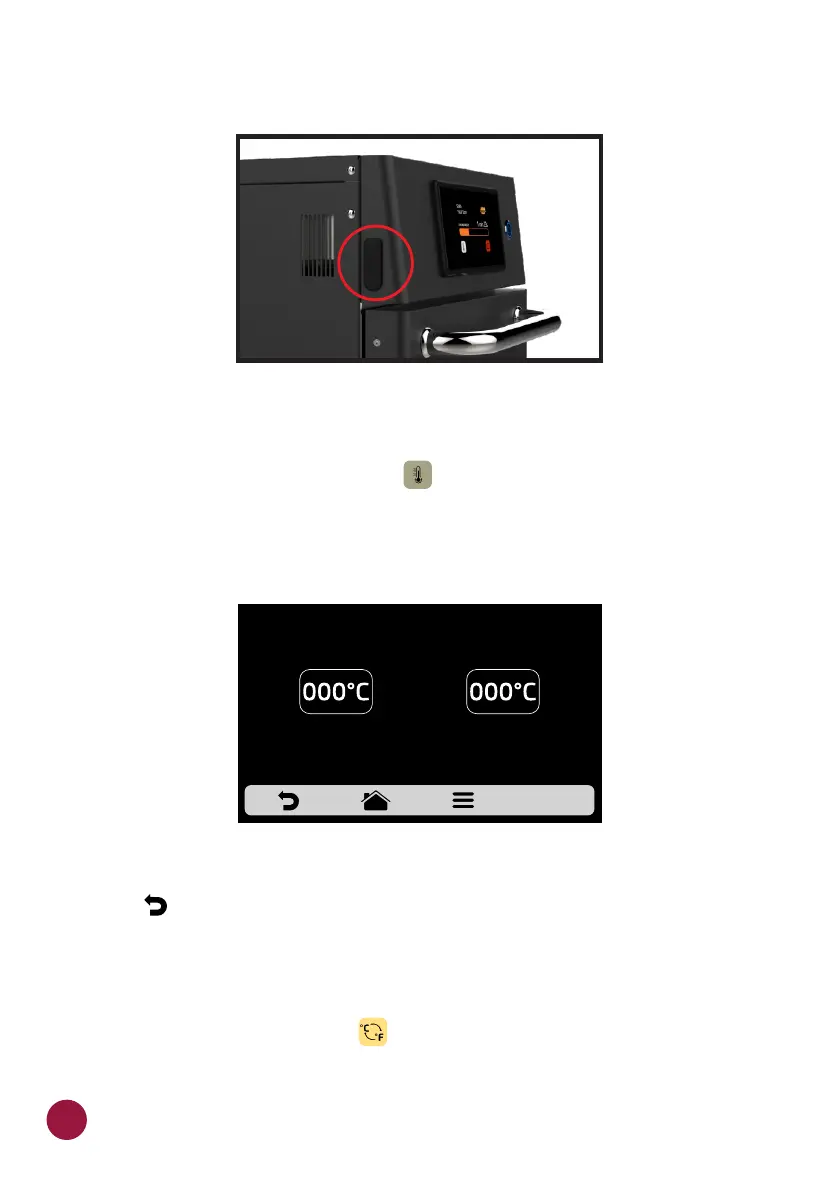
USER'S SETTINGS: CURRENT TEMPERATURE
a) The Current Temperature screen : is only informative. In this screen, it TEC
is possible to verify the temperature of top and bottom heating elements.
b) Use to return to the user editing options.
USER'S SETTINGS: CELSIUS/FAHRENHEIT
a) Change the temperature format displayed in the oven between Celsius and
Fahrenheit, Click on the icon among the User's Settings, and set the TEC
temperature format you wish.
ACCESS TO THE USB PORT
TOP HEATER
CURRENT TEMPERATURE
BOTTOM HEATER
54



 To Next Page