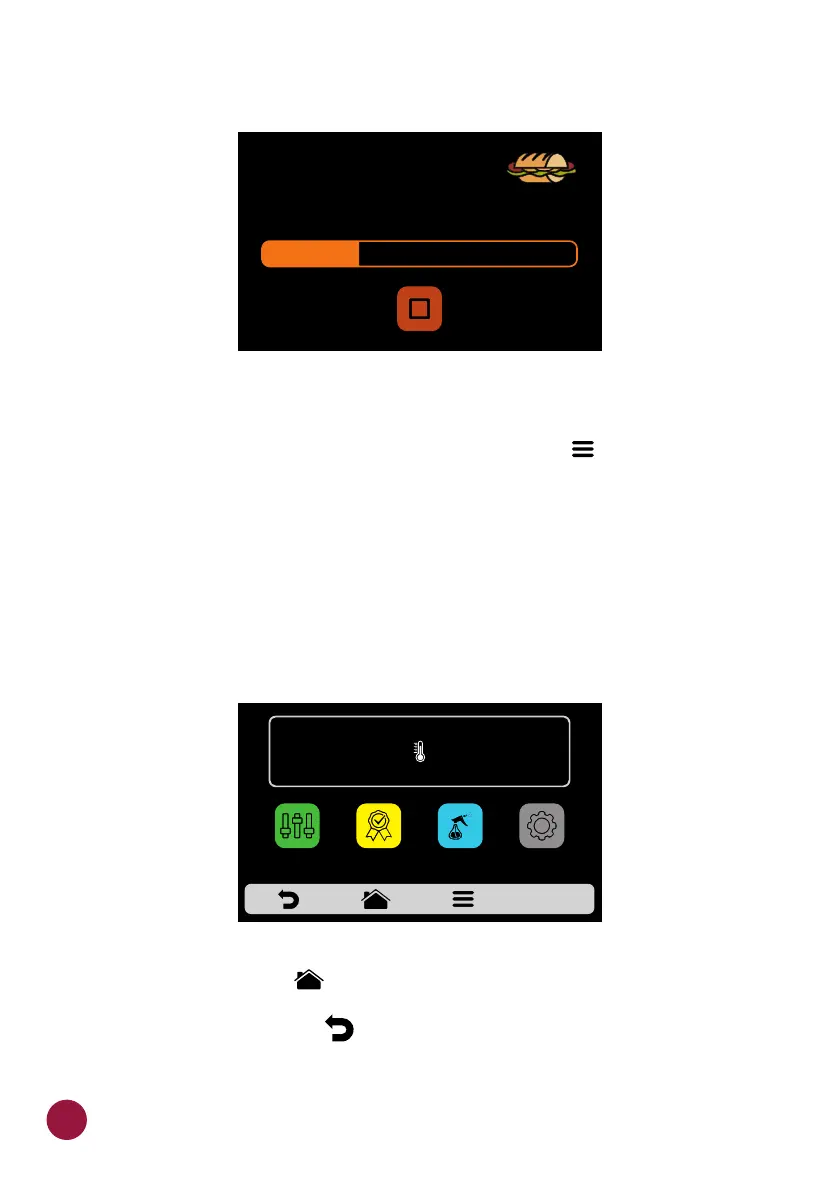
ACCESSING THE OPTIONS
a) To access the settings, at any time, touch on the icon found in the fixed TEC
menu bar.
b) In the Options Screen, there will be information such as: Current
temperature in the Chamber, Favorites (see page 65), Manual Mode (see
page 67), Daily Procedure Guide (see page 70) and Settings (below).
Note: Manual Mode and Favorites will only be shown if enabled by the
administrator (see page 64).
c) Touching on the icon once more will return to Groups Screen.TEC
d) Touching on the icon will return to the Preheating Temperature TEC
selection screen.
IN PROGRESS 10s
SUBS
1 SUB 15cm
HEAT MORE
"Heat more" exemple:
IR
250°C
TEMPERATURE
250°C
CHAMBER
MANUAL
MODE
SETTINGSFAVORITES
DAILY CLEANING
GUIDE
32



 To Next Page