ALERTS AND ERRORS: POSSIBLE SOLUTIONS
a) The Copa Express is programmed to signal any possible error and alerts
that may occur during the operation.
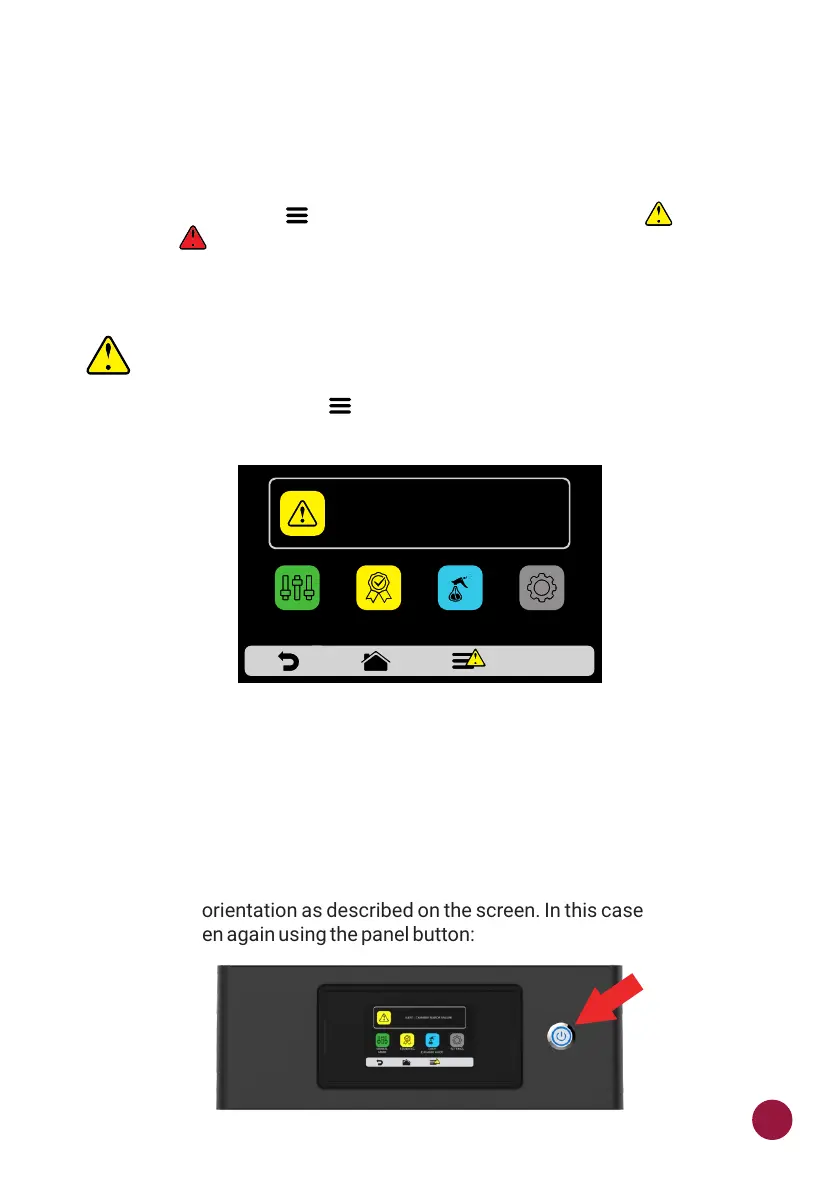
b) On the Options icon , a yellow signal will appear for alerts ( ) and red TEC
for errors ( ).
c) See how to proceed in each case below:
ALERTS
a) Click on the Options icon .TEC
b) The Options screen will bring, instead of the top and bottom heaters
temperatures, a description of the alert. In the adjacent example:
ALERT - CHAMBER SENSOR FAILURE
c) Follow the orientation as described on the screen. In this case, turn off and
turn on the oven again using the panel button:
SETTINGSFAVORITES
MANUAL
MODE
ALERT - CHAMBER SENSOR FAILURE
DAILY
CLEANING GUIDE
75



 To Next Page