USER'S SETTINGS: EDIT GROUPS
Note: The kiln has two preheating temperatures as shown on page 28. After
pre-heating, the oven will show the recipes for the selected pre-heating group.
Recipes set in Group 1 will only be available when Preheating 1 is executed and
the same applies to Group 2.
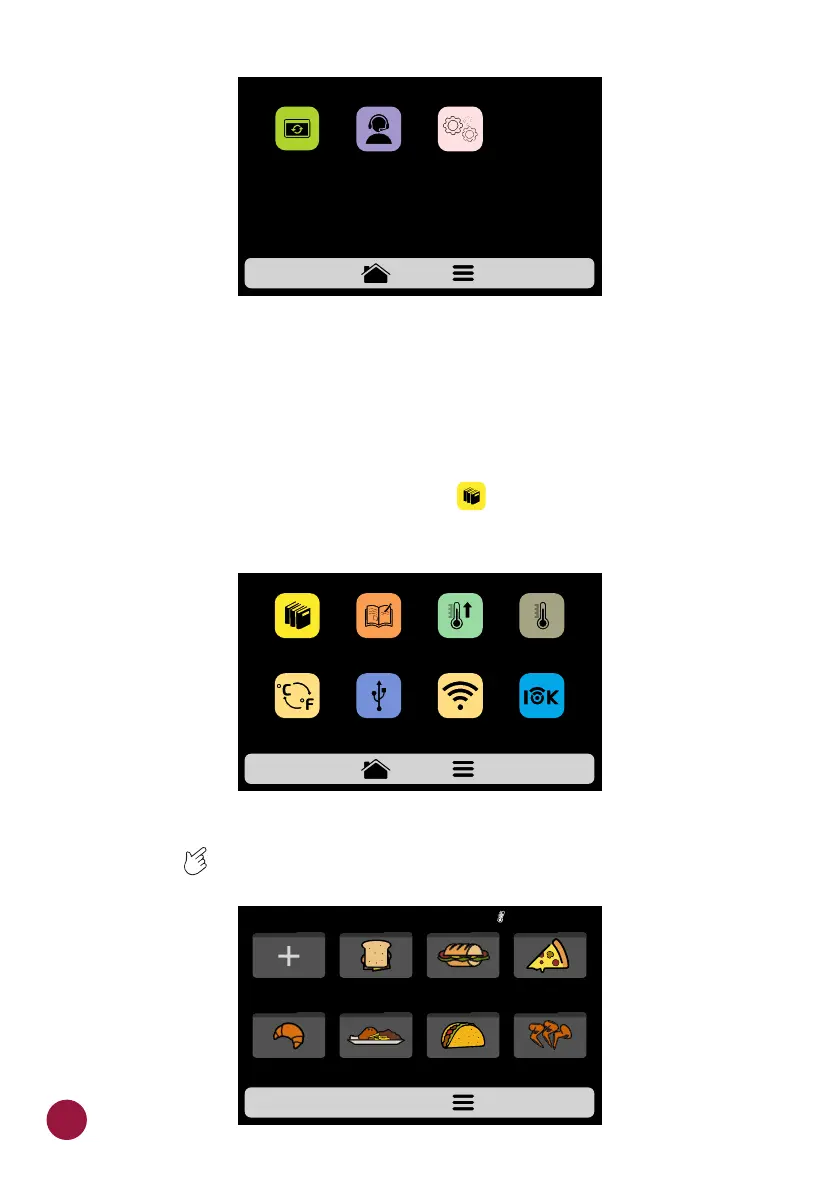
a) To edit the recipes groups, touch on the icon, the groups screen will be TEC
presented. However, in the first position will be the icon in which it is possible
to Create New Group.
b) Choose between creating a new group, or select the group you desire to
edit. Slide the screens to the left and right in order to transit between the TEC
group screens.
USB
EDIT
RECIPES
EDIT
GROUPS
PREHEAT
CELSIUS /
FAHRENHEIT
CURRENT
TEMPERATURE
SETTINGS - page 1
WI-FI WEB
APP
GROUPS CURRENT 210°C
PIZZA
BAKERY
SUBSBREAKFAST
SANDWICH
CHICKEN
WINGS
TEX-MEXMEAL
FINISHING
NEW GROUP
34
SYSTEMSYSTEM
UPDATE
CUSTUMER SUPPORT
SETTINGS - page 2



 To Next Page