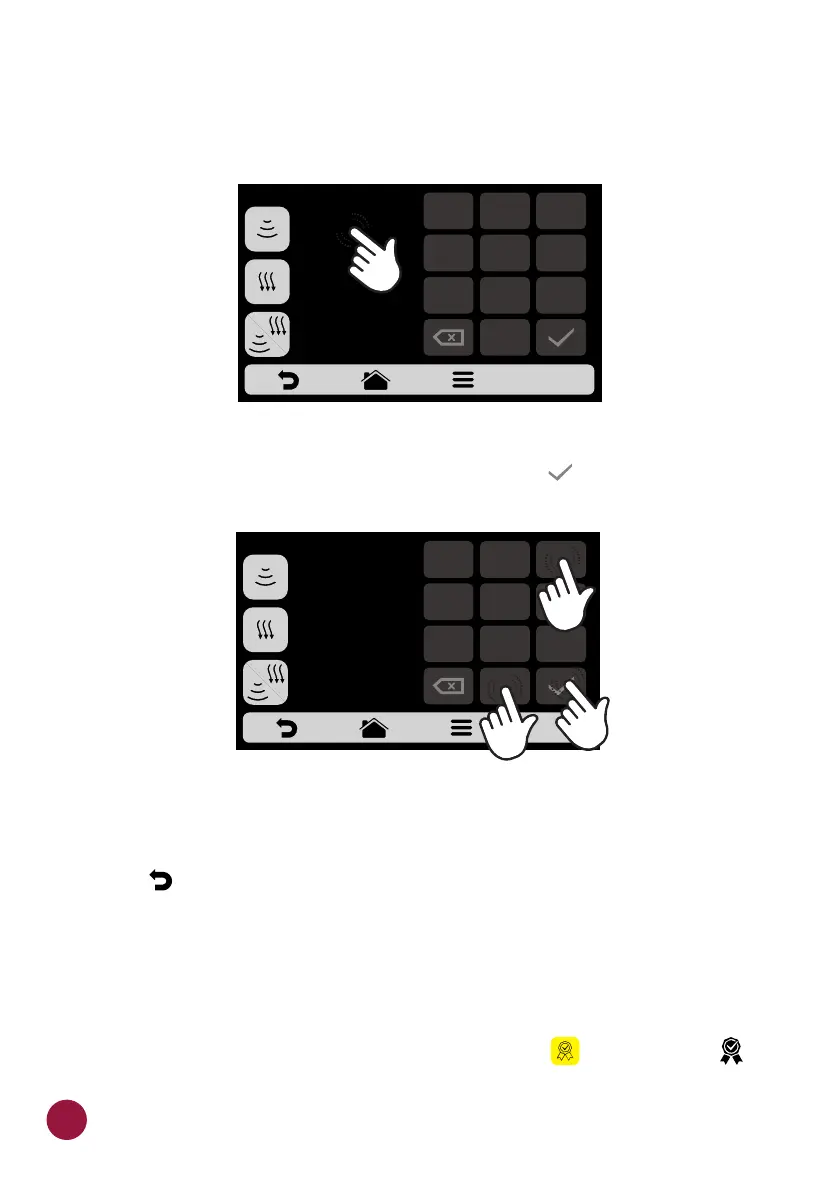
b) To set the time, just click on the value location, as the indications on the
screen show.
c) Use the numeric pad to inform the time and click on .TEC
d) The Cook/Brown More function may be disabled in the Settings of Edit
Access .(see page 64)
e) Use to return to the recipe editing options.TEC
ADD / REMOVE FROM FAVORITES
a) The Favorites function may be accessed through the options screen in the
fixed bar. However, it will be explained in detail on 5.page 6
b) To add the recipe to the favorites, click on the icon . A small label TEC TEC
will be added in the upper left corner of the recipe icon.
EDIT COOK/BROWN
00s
BROWN MORE
00s
COOK/BROWN MORE
00s
COOK MORE
EDIT COOK/BROWN
1
2
3
4
5
6
7
8 9
0
30s
BROWN MORE
00s
COOK/BROWN MORE
00s
COOK MORE
6
1
2
3
4
5
6
7
8 9
0
50



 To Next Page