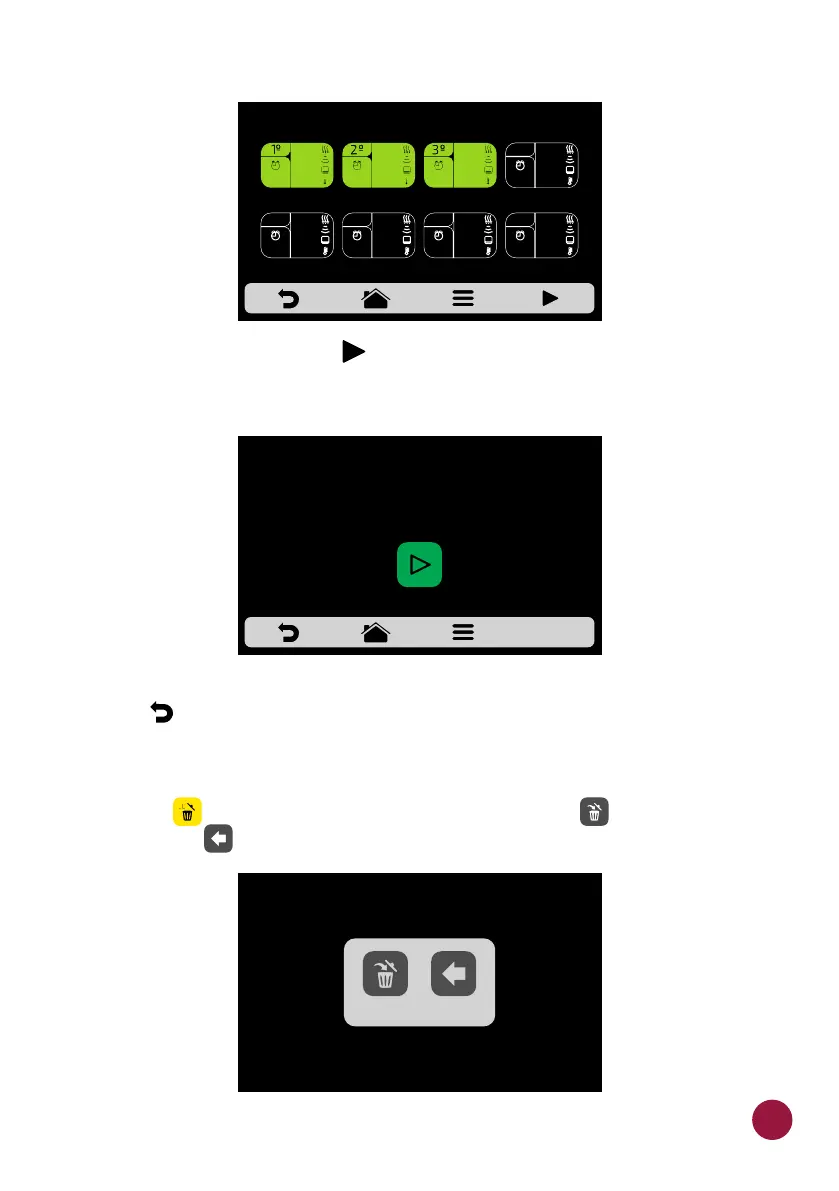
j) To test, click on the icon that is found in the fixed bar on the steps TEC
screen. Before proceeding with the test, make sure that there is food inside
the chamber.
k) Use to return to the recipe editing options.TEC
DELETING RECIPE
a) Press to delete the recipe, press the button to confirm the TEC TEC
exclusion or to return to the options for recipe edition.TEC
EDIT STEPS - SNACK: 1 SUB 15cm
30%
100%
20%
00:05
40°C
70%
50%
60%
80°C
00:20
10%
90%
100%
20°C
00:15
BEFORE PROCEEDING,
MAKE SURE THERE IS FOOD
INSIDE THE OVEN.
THE RECIPE 1 SUB 15cm WILL BE REMOVED
BACKDELETE
47



 To Next Page