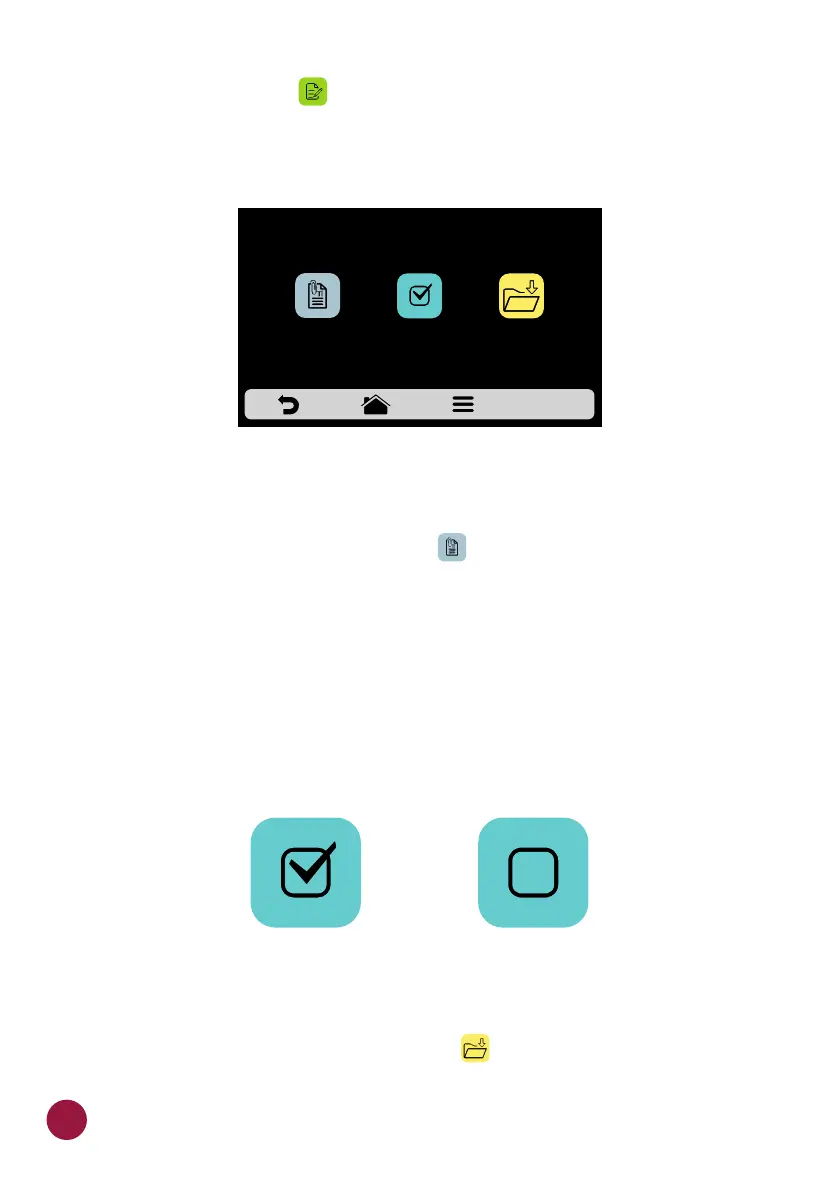
f) Click on the button to access the options for edition of the step TEC
parameters, which are:
g) Add Information, which will be displayed at the end of the step during the
execution of the recipe. Click on the icon .TEC
h) Enable and disable the step:
Ÿ The recipe only executes active steps. When a step is deactivated, it is not
deleted, it only remains hidden.
Ÿ To delete the step, it is necessary to inform the 00:00 value to the time
parameter.
i) After concluding the edition of a step, use to save and return to the steps
screen to edit, create new step, or test the active steps.
ADD
INFORMATION
ACTIVATE/
DEACTIVATE
STEP 1
SAVE
ACTIVE INACTIVE
46



 To Next Page