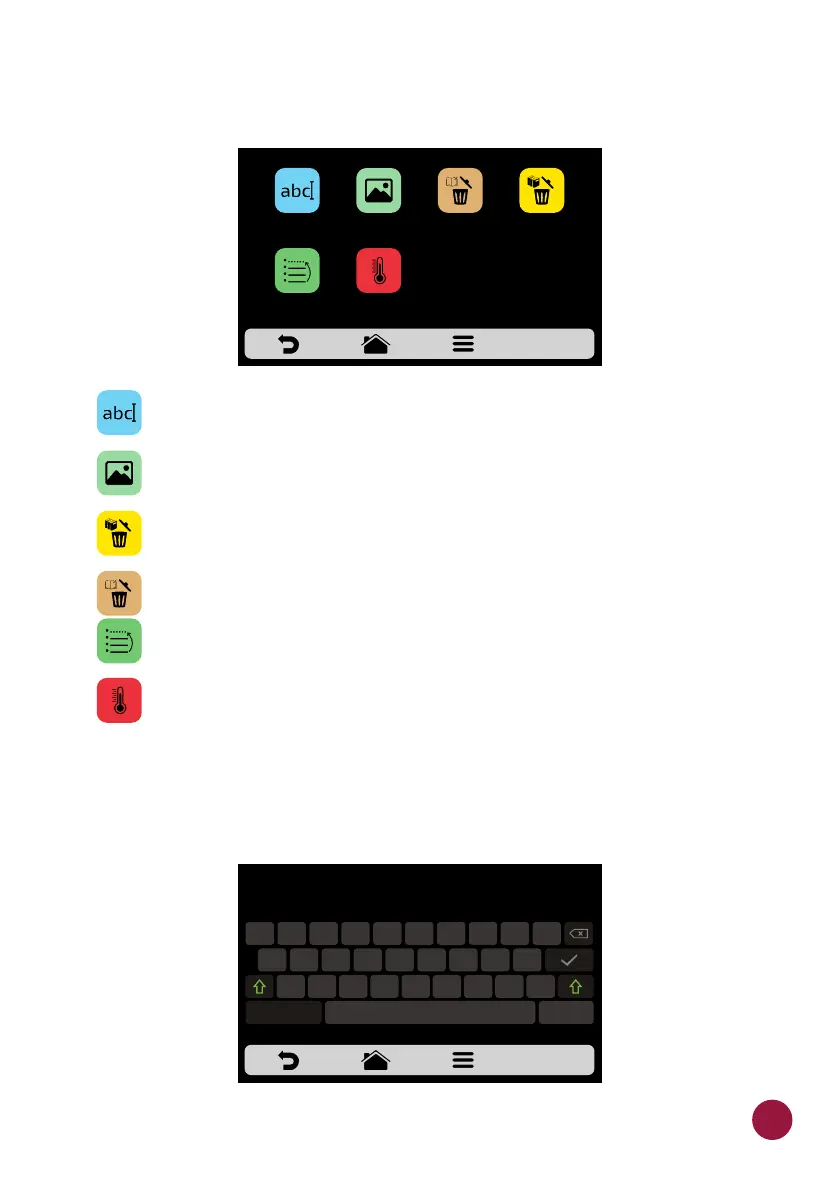
c) The available options after choosing between editing or creating a group
will be:
Edit Name: changes the group’s name, It is possible to use letters,
numbers or special characters.
Edit Image: changes the images of the group icon.
Delete Group: deletes all the information of the selected group,
including the recipes.
Delete Recipes: deletes a selected recipe.
Order: orders the location desired for a selected group.
Change Group Temperature: changes the group preheating
temperature. Note: Recipes set in group 1 will only be available when
running Preheating 1 and the same applies to group 2.
EDIT NAME
a) By selecting the Edit Name option, the following screen will be presented:
GROUP: SNACKS
EDIT
IMAGE
EDIT
NAME
DELETING
RECIPES
DELETE
GROUP
ORDER CHANGE GROUP
TEMPERATURE
GROUP NAME
Q
W E
R T
Y
U
I O
P
A S D
F
G H
J
K
L
Z X C V B
N
M
,
.
&123
-
35



 To Next Page