USER'S SETTINGS: USB
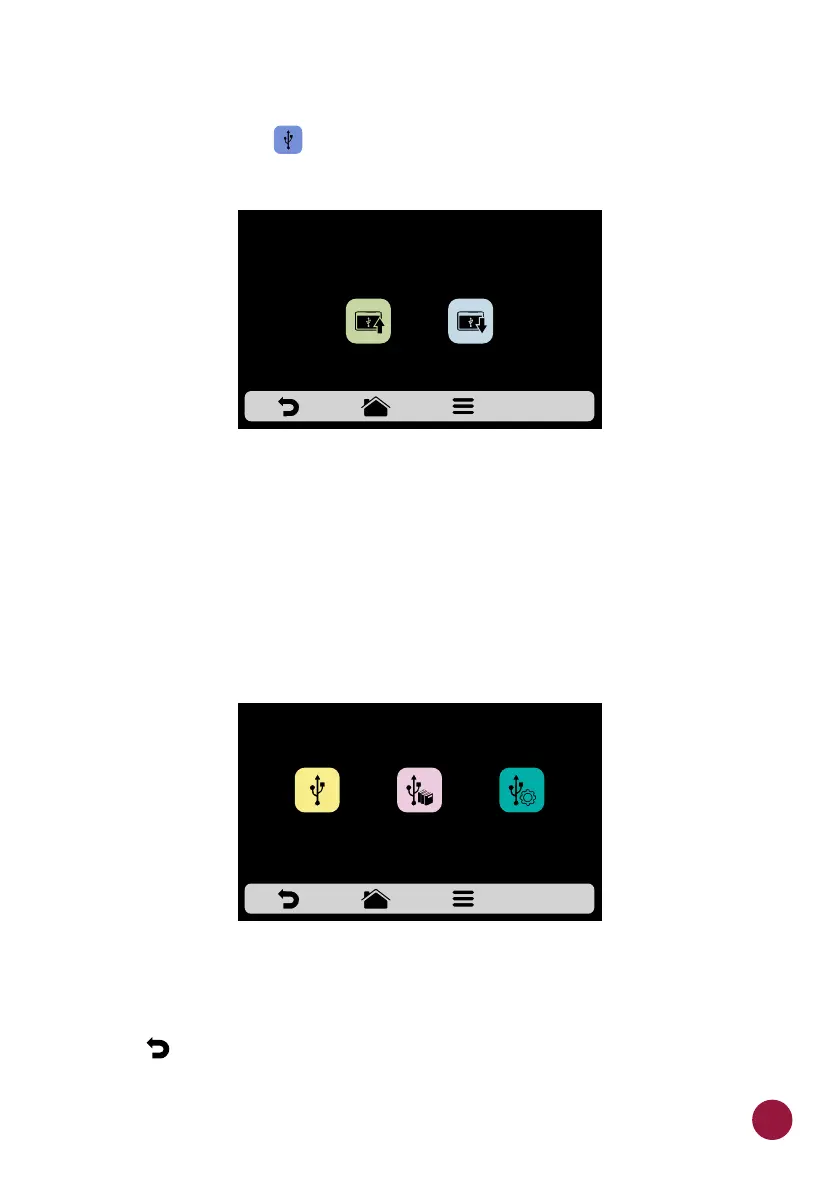
a) Press the button . The functions available in USB are: Import and TEC
Export.
b) When selecting one of the functions, the message: “Insert the pen drive and
wait for recognition” will appear.
After the recognition, the user will be taken to the function options previously
chosen:
Ÿ Import: All, Menus or Settings.
Ÿ Export: All, Menus or Settings.
c) In case of error, the displayed message will be: “There was an error during
the Import/Export. Please remove USB disk and restart process.”
d) Use to return to the user editing options.
EXPORTIMPORT
USB
SELECT THE DESIRED OPTION, INSERT THE PEN DRIVE
AND WAIT FOR RECOGNITION
IMPORT
MENUS
IMPORT
ALL
IMPORT
SETTINGS
53



 To Next Page