24
and press Mem button to enter next setting.
• When “OFF“ is chosen, press Mem button to
enter next setting.
6. To congure the other 4 alarms, please repeat
step 5.
7. After setting, press and hold Mem button until
the meter turning off.
Setting Auto GSM Transmission
1. Press Set button for 2 seconds to turn on the
meter. When “ON“ show up, it means auto
transmission..
2. Press Set button to choose between “ON“ (auto)
and “OFF“ (manual). When the preference is set,
press Mem button, meter will display “OK“ be-
fore turning off.
25
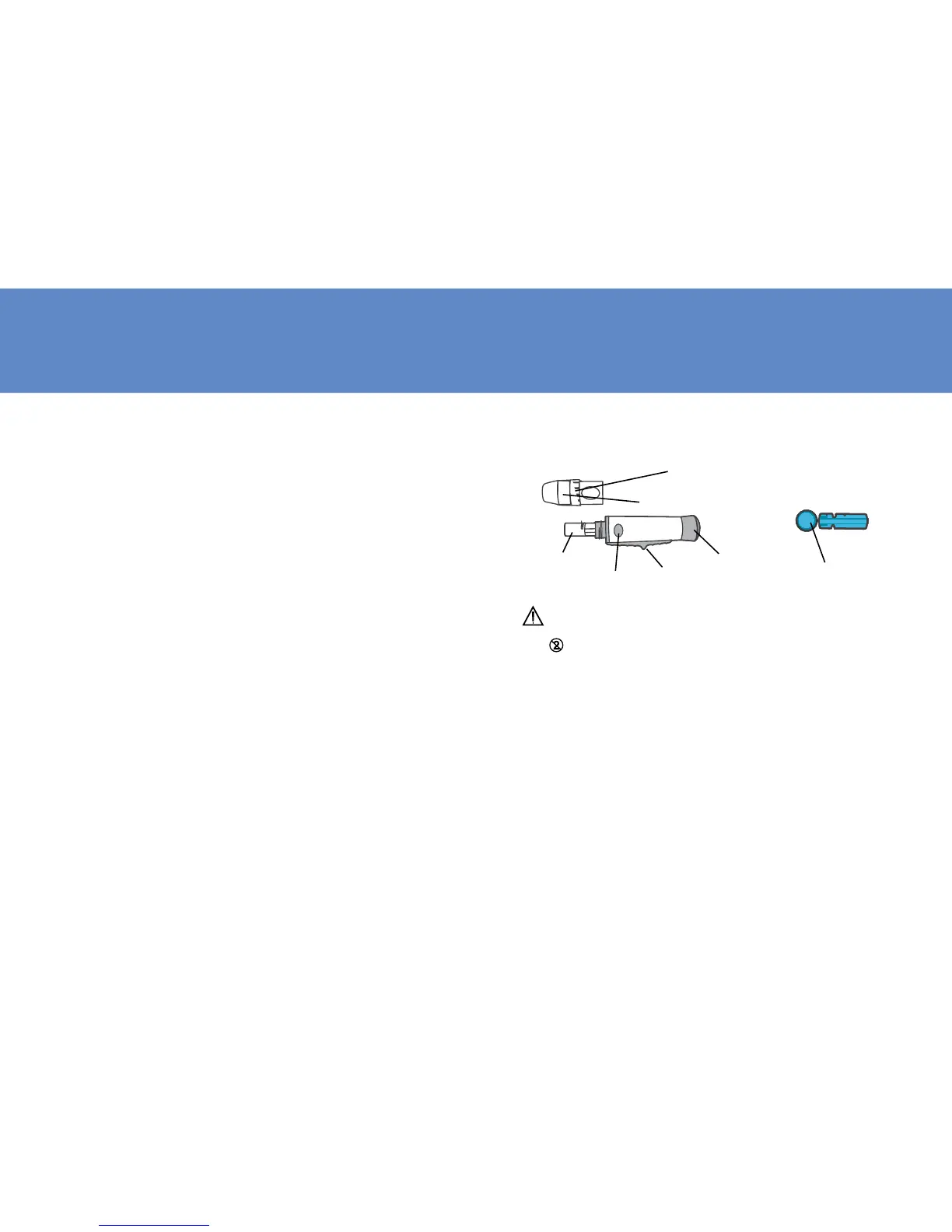
Prepare for Blood Sampling
Adjustable Lancing Device
Lancet
5
Protective Cap
Depth Selector
Cocking Control
Release Button
Lancet Holder
Depth Adjustment Cap
Ejection Button
IMPORTANT TEST STRIP INFORMATION
1.
Lancet is for single use only.
2. Be cautious when removing the used lancet
from the device and when disposing the used
lancet.
3. The lancing device and lancets are in confor-
mity with MDD 93/42/EEC. Refer to product
labels for contact information of manufacturer
and CE marking.



 To Next Page