20
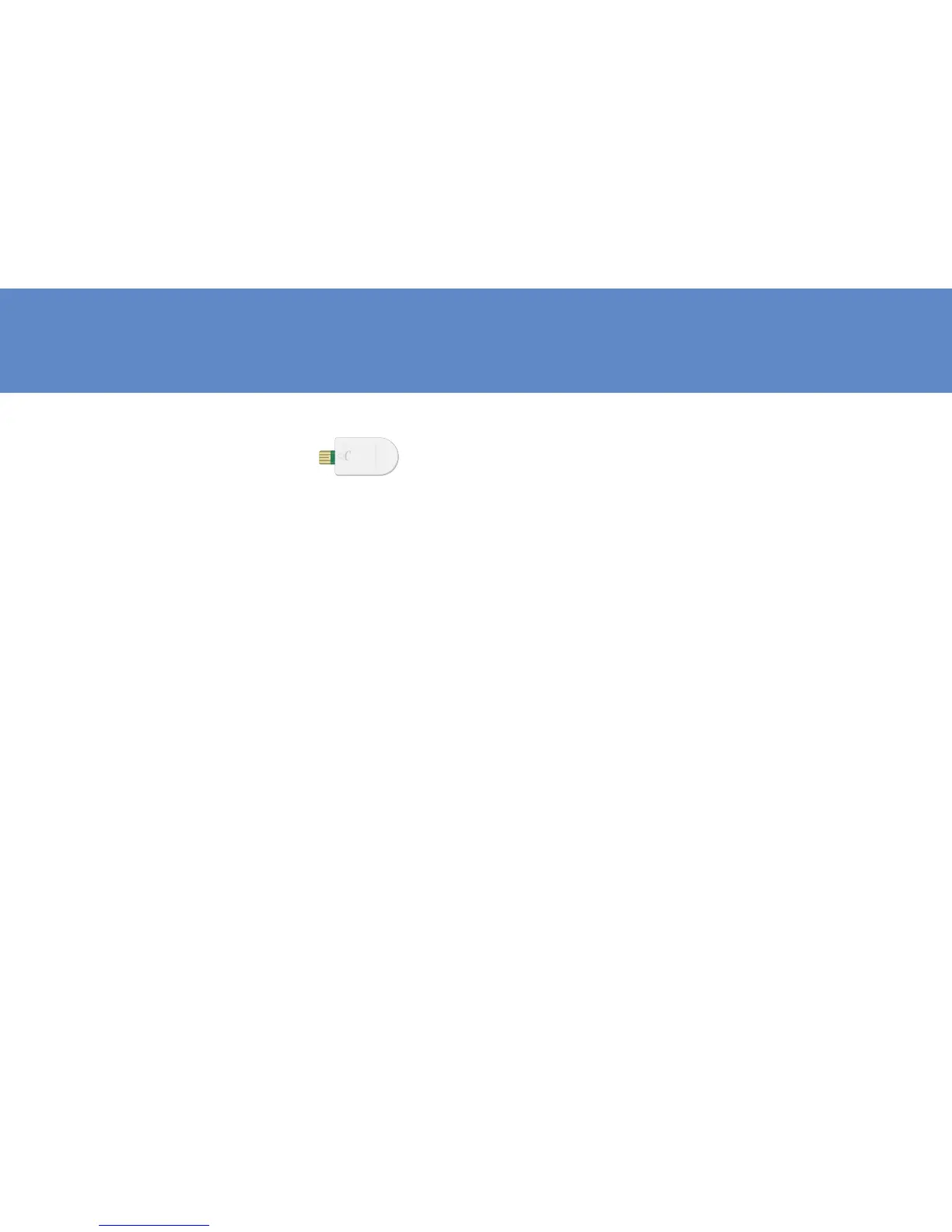
Check Strip
The Check Strip can be used in
2 ways:
1. To test only the function of
the meter and not complete
BGM test system. Please
check the complete test
system with Contrl Solution
2. To delete all test memories.
CHECK
How to check meter by check strip
1. Insert the check strip into strip slot with label
side up as above.
2. You should obtain an “OK“ reading within 10
seconds, which means your meter is working
properly.
3. Remove the check strip to exit. Meter will
automatically turn off.
NOTE: IF YOU DO NOT GET “OK” READING BUT APPEAR
OTHER ERROR MESSAGE, TURN OFF THE METER BY
REMOVE CHECK STRIP FROM THE METER. THEN CHECK
THE BATTERY AND REPEAT THE TEST. IF THE SECOND
21
RESULT PERSISTS, CONSULT YOUR LOCAL DISTRIBUTOR
FOR HELP.
How to delete memory
1. Insert check strip into strip slot with label side up.
2. After “OK” displayed, press and hold the Set
button until flashing “dEL” shows up with a
beep sound.
3. Press and hold the Mem button until you hear
a beep sound, Meter will display “OK” before
turning off and all the memory has been
deleted successfully.
4. Remove the check strip from the meter.



 To Next Page