Cloudia
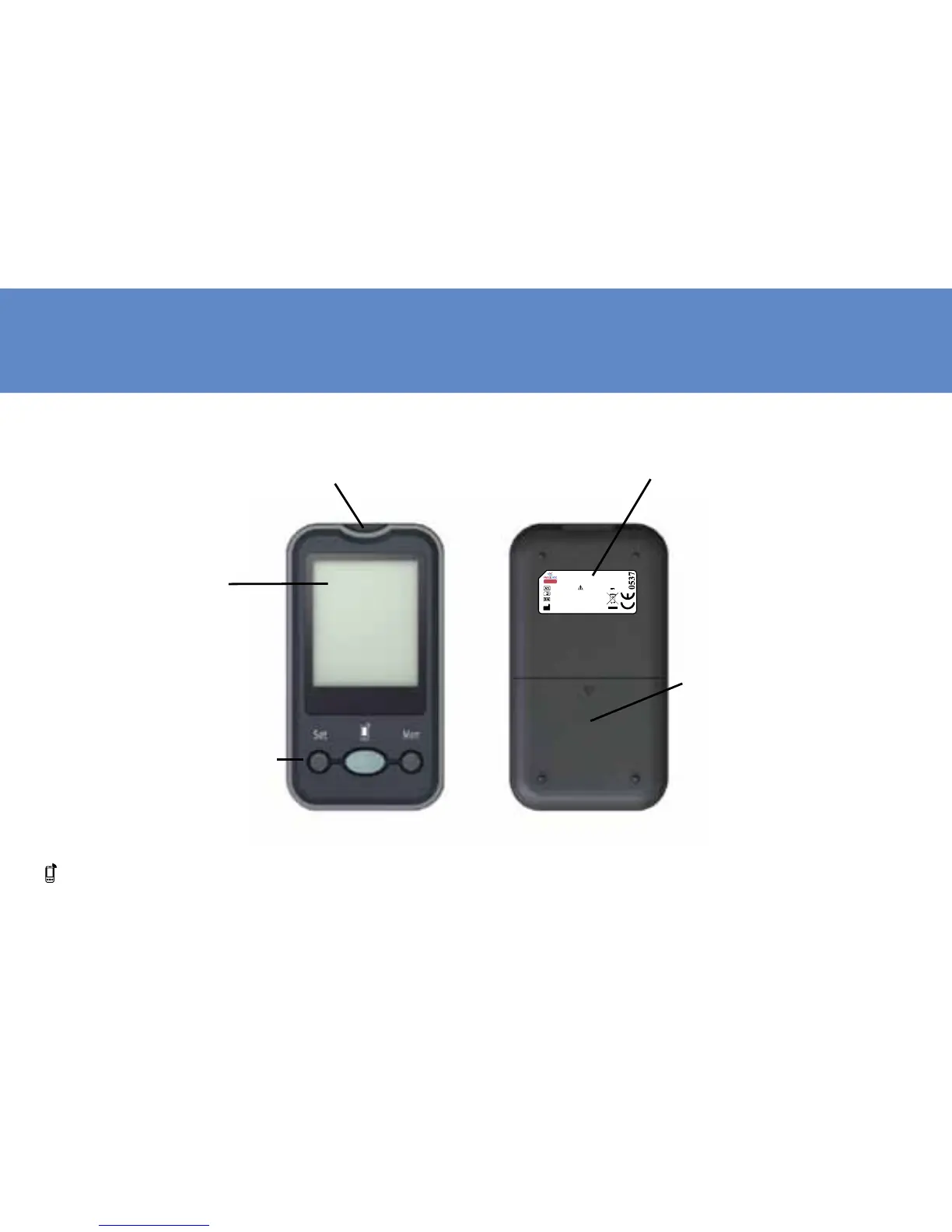
DISPLAY: The large, easy
to read display shows
the test results, mes-
sages, blood glucose re-
sults stored in memory,
time and date.
Mem BUTTON: Press Mem but-
ton to enter memory mode to
recall the information stored in
meter’s memory.
Set BUTTON: Press Set button
to enter date and time setting.
button: For data transmission
STRIP SLOT: Holds a Blood Glucose Test Strip or Check
Strip in place when you perform blood glucose test
or perform check test.
BATTERY COMPARTMENT:
Holds four AAA batteries. Bat-
teries are not yet installed into
meter when new purchasing.
Before using the meter, please
install the batteries rst.
Meter SN Label: The label shows the
meter serial number.
11



 To Next Page