34 35
Memory Recall
The PRECICHEK Blood Glucose Meter can automati-
cally store up to 999 results and auto-calculate
your average results of 7-, 14-, 21-, 28- days on
both before and after meal.
When recalling the results, each single result ap-
pears from the latest to the earliest with time
and date.
To recall Results Stored in Memory
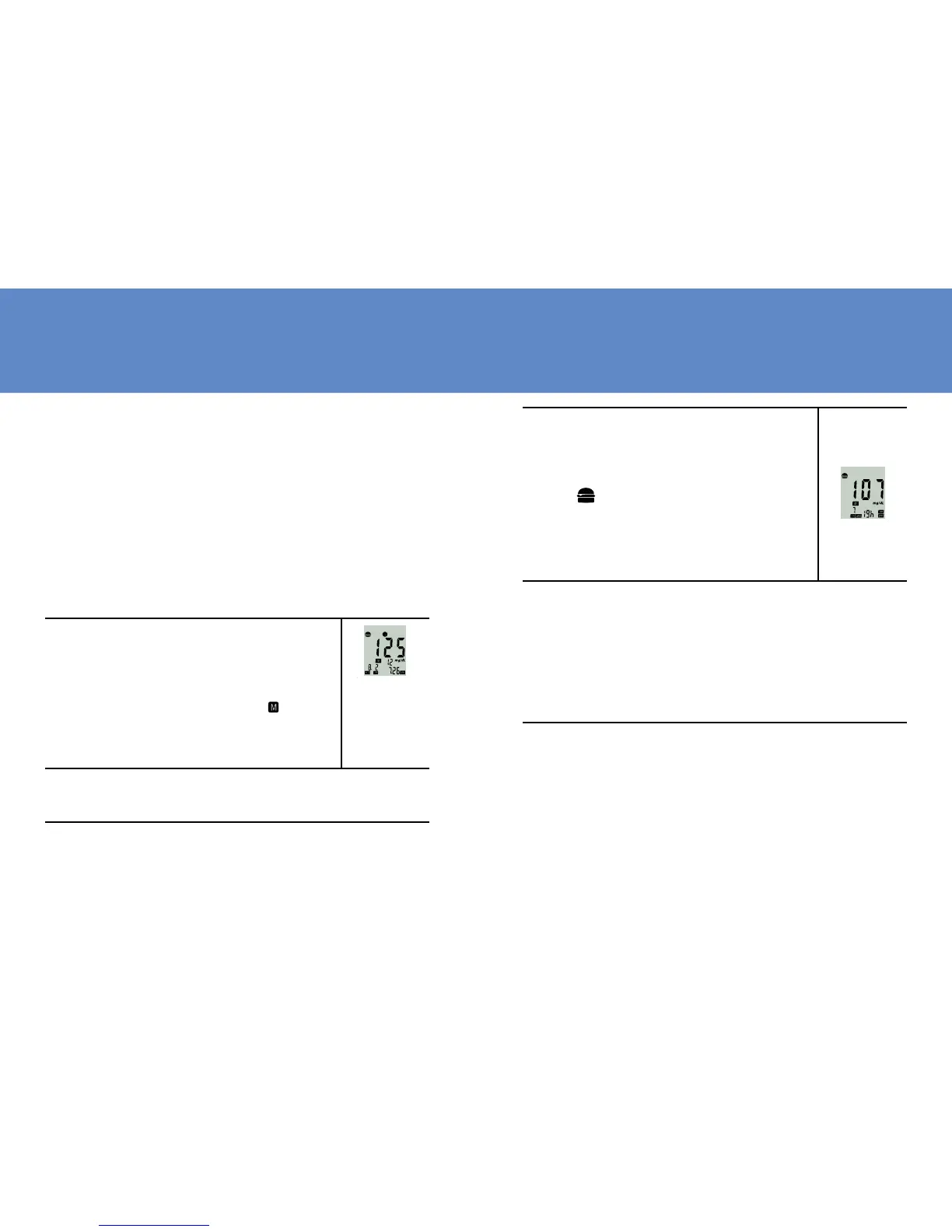
1. Turn meter on by pressing Mem but-
ton till you hear a beep sound. The
first result displayed on the screen
is your latest test result. 12 rep-
resents the 12
th
recorded of the
overall results on this meter.
2. By pressing Mem button, you will see your
test record from the latest to the oldest.
3. Press the Set button to view the
average results. “19” represents
within the past 7 days there were
19 -test results. Press the Set
button continuously to view the
average results sequentially for
14, 21 and 28 days.
4. Please press the Mem button for 2 seconds
to EXIT or put it aside for 3 minutes for auto
shutdown.
NOTE: ANYTIME IN MEMORY MODE, YOU CAN PRESS
Mem BUTTON UNTIL YOU HEAR THE BEEP TO EXIT AND
TURN OFF THE METER.



 To Next Page