38 39
hand.
3. Slide battery compartment door open.
4. Remove the old batteries and insert 4 new AAA
batteries into the battery compartment. Be
sure to align the plus (+) and minus (-) signs
correctly.
5. Close the battery compartment door. Check to
see that your meter is working. If it fails to turn
on, the batteries may have been inserted incor-
rectly. Remove the batteries and reinsert them
correctly.
NOTE: EVERY TIME WHEN YOU REPLACE THE BATTERIES,
THE METER WILL TURN ON AUTOMATICALLY AND ENTER TO
THE TIME/DATE SETTING. PLEASE SET CORRECT TIME AND
DATE BEFORE TESTING.
How to Clean and Disinfect
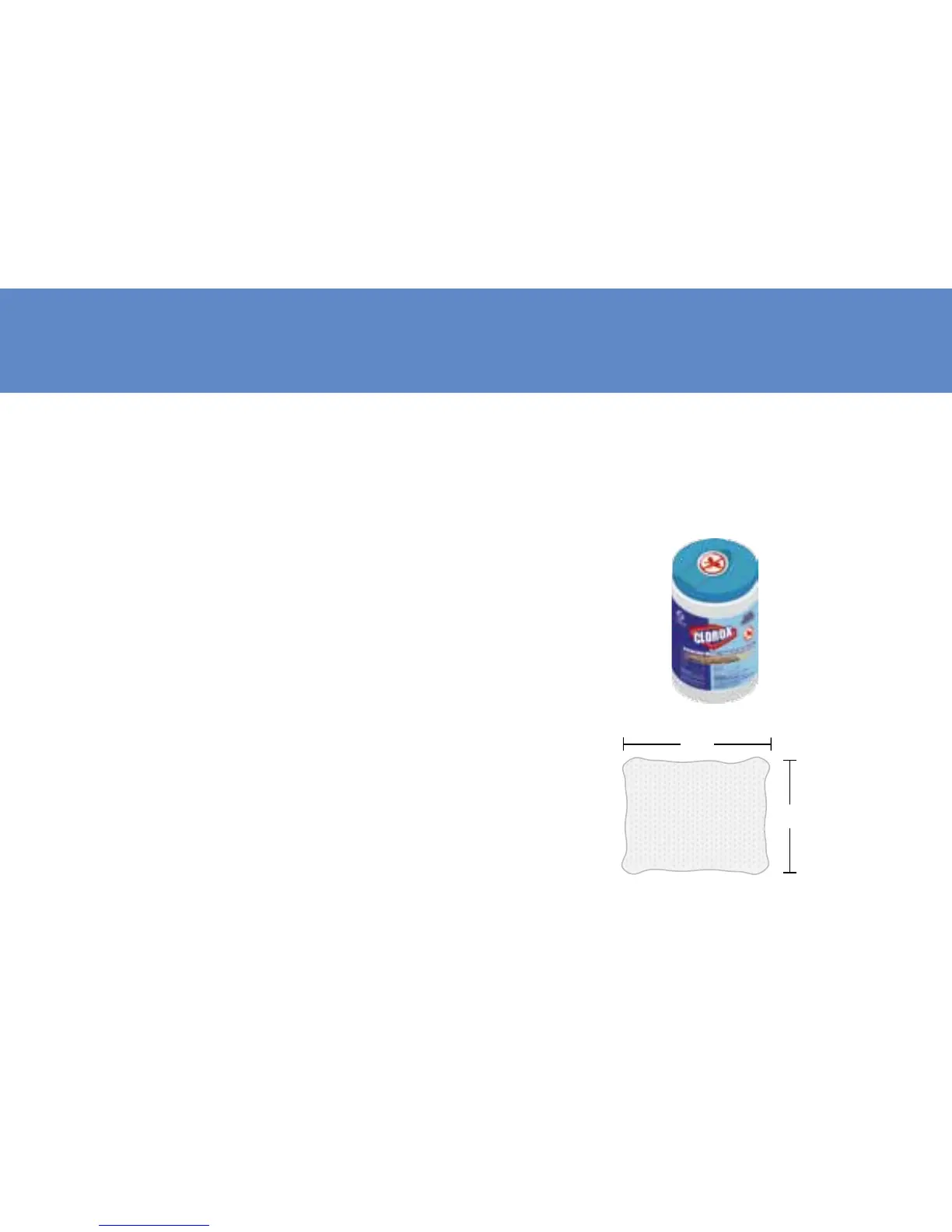
The following disinfactant product have
been shown to be safe for use with Cloudia
meter, but any disinfectant product with the
EPA registration number of 67619-12 may be
used on this device.
6”
15”



 To Next Page