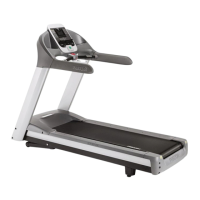
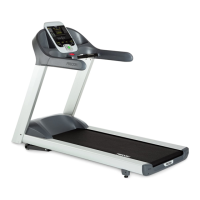
C966 Treadmill
Page 11
23. Press the ENTER key to select the currently display or the STOP key to leave the original
display.
Modify Custom Courses
24. The prompt MODIFY CUSTOM COURSE 1 will be displayed. The currently stored custom
course will then be displayed. The left most column of the course blinks, indicating that it is
the column selected for modification.
25. The SPEED
& SPEED keys to change the column selected for modification. The
INCLINE
& INCLINE keys to change the incline of the selected column.
26. Press the ENTER key to save the modified custom course or the STOP key to leave the
custom course unchanged.
27. The prompt MODIFY CUSTOM COURSE 2 will be displayed. The currently stored custom
course will then be displayed.
28. Custom course 2 may be modified in the same manner as above, see steps 18 through 20.
29. After the custom course 2 has been viewed or modified, pressing the ENTER, STOP or
RESET key will exit the club settings routine



 To Next Page