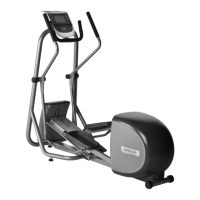
Procedure 7.22 - Replacing an Outrigger Tube
1. Set the on/off switch in the “off” position, then unplug the power cord from the wall outlet.
2. Remove the display bracket cover from the rear of the display.
3. Carefully, lift the front of the EFX and place it on a temporary support, such as a block of
wood. This is necessary to remove the EFX’s weight from the outrigger tube. Before
proceeding with procedure, be sure that the EFX is in a solid stable position and will not tip
or fall off of the temporary support.
4. Remove the three bolts from the upper end of the outrigger tube and four bolts from the
lower end of the outrigger tube. See Diagram 7.24.
Diagram 7.24 - Outrigger Tube Mounting
5. Loosen but do not remove the two clamp bolts at the handlebar pivot point. See Diagram
7.25.
Diagram 7.25 - Outrigger Tube Mounting
Mounting Bolts
Data Cable
Clamp
Bolts
Outrigger
Tube


 To Next Page