11
4 Software Features
4.1 Universal Control
Quantum ES-Series
Owner’s Manual
4 Software Features
4.1 Universal Control
Universal Control is both a driver-management utility and software control interface for your Quantum ES.
Universal Control allows users of other popular DAW applications to access these functions as well.
Universal Control provides the following:
• Hardware control - All of Quantum’s top panel hardware controls can be controlled using Universal
Control, facilitating easy hardware manipulation even if Quantum is installed in a location out of reach of
the computer operator.
• Low-latency monitoring - Using Universal Control eliminates the latency associated with DAW I/O buffering
that makes monitoring problematic for the performer. By removing the DAW’s software input monitoring
feature from the monitoring signal flow altogether, the need to adjust I/O buffer sizes and latency is no
longer an issue.
• Send / Cue buses (ES 4 only) - Universal Control has stereo aux buses, with independent send levels
per input.
• Configuration management - Universal Control configurations can be saved and loaded to / from disk as
Scenes, for convenient and unlimited session management.
For more information about Universal Control, Studio One software integration, how to use Universal Control
and more, download the Quantum USB Software Reference Manual from your MyPreSonus account or in the
Support dropdown menu of the Quantum ES product page on Presonus.com.
4.2 Studio One and Other Popular DAWs
The Quantum ES interface is compatible with any audio-recording application that supports Core
Audio, WDM, or ASIO. To make the process of creating new music as seamless as possible, all PreSonus
professional recording products come with Studio One recording and production software.
Your purchase of the Quantum ES comes with a six-month subscription to Studio One Professional, a state-
of-the-art audio recording, editing, mixing and mastering suite.
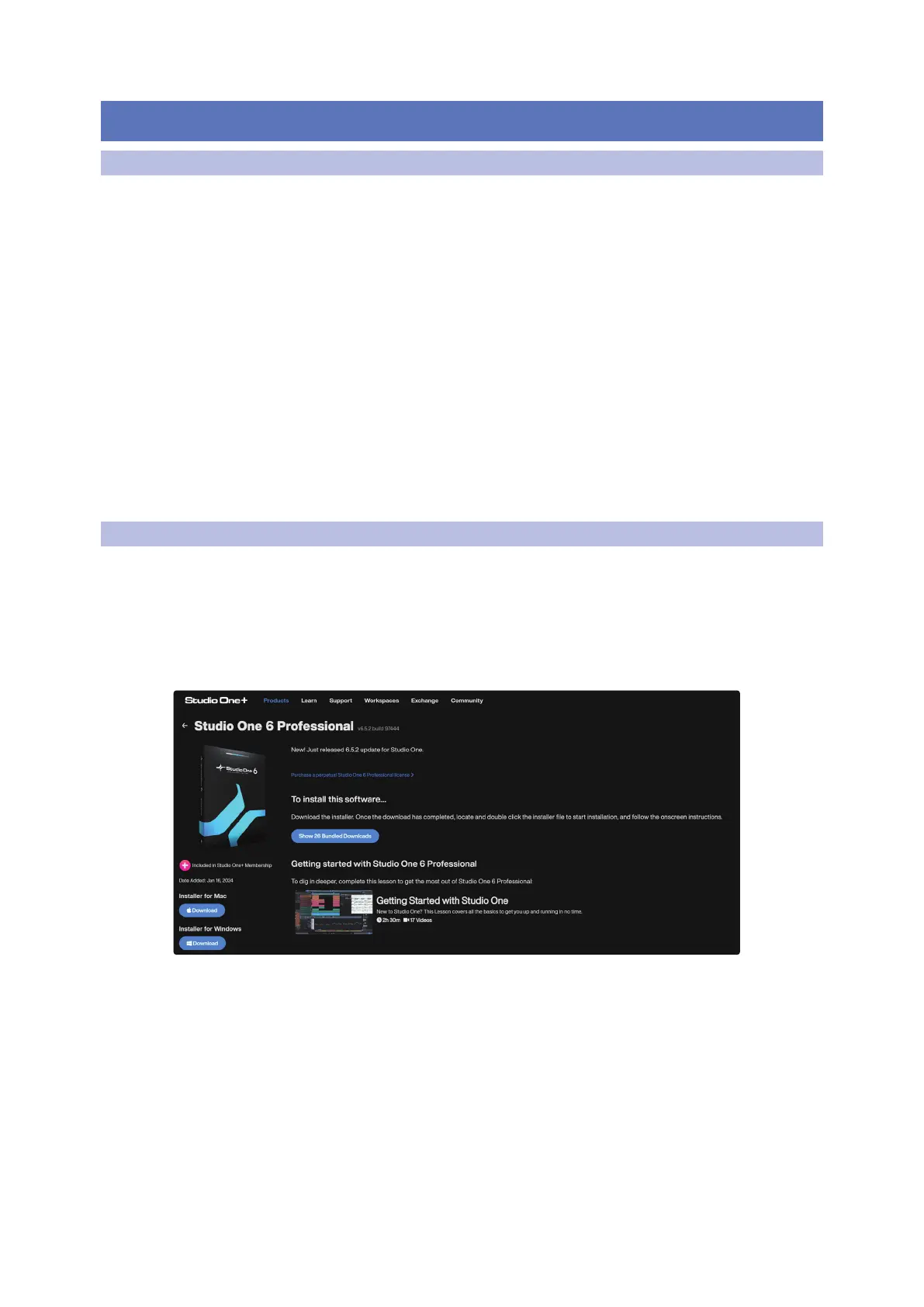
After registering your Quantum ES, your Studio One downloads will be available from within your
MyPreSonus user account. Download the Studio One installer from your MyPreSonus account.
• Windows users: Launch the Studio One installer and follow the onscreen instructions.
• Mac users: Drag the Studio One application into the Applications folder on your Mac hard drive.















 To Next Page