1
1 Overview
1.1 Introduction
Quantum ES-Series
Owner’s Manual
1 Overview
1.1 Introduction
Thank you for purchasing the PreSonus Quantum ES Audio Interface! Quantum ES interfaces provide
unmatched sound capture with recallable, next generation MAX-HD microphone preamps, premium
industrial design, and unparalleled DAW integration. All you need is a computer with USB connection, a few
microphones, cables, powered speakers, your instrument and creativity, and you’re ready to record, mix, and
release your music.
We encourage you to contact us with questions or comments regarding your PreSonus Quantum ES
interface. PreSonus Audio Electronics is committed to constant product improvement, and we highly value
your suggestions. We appreciate the support you have shown us through the purchase of this product and
are confident that you will enjoy your Quantum interface!
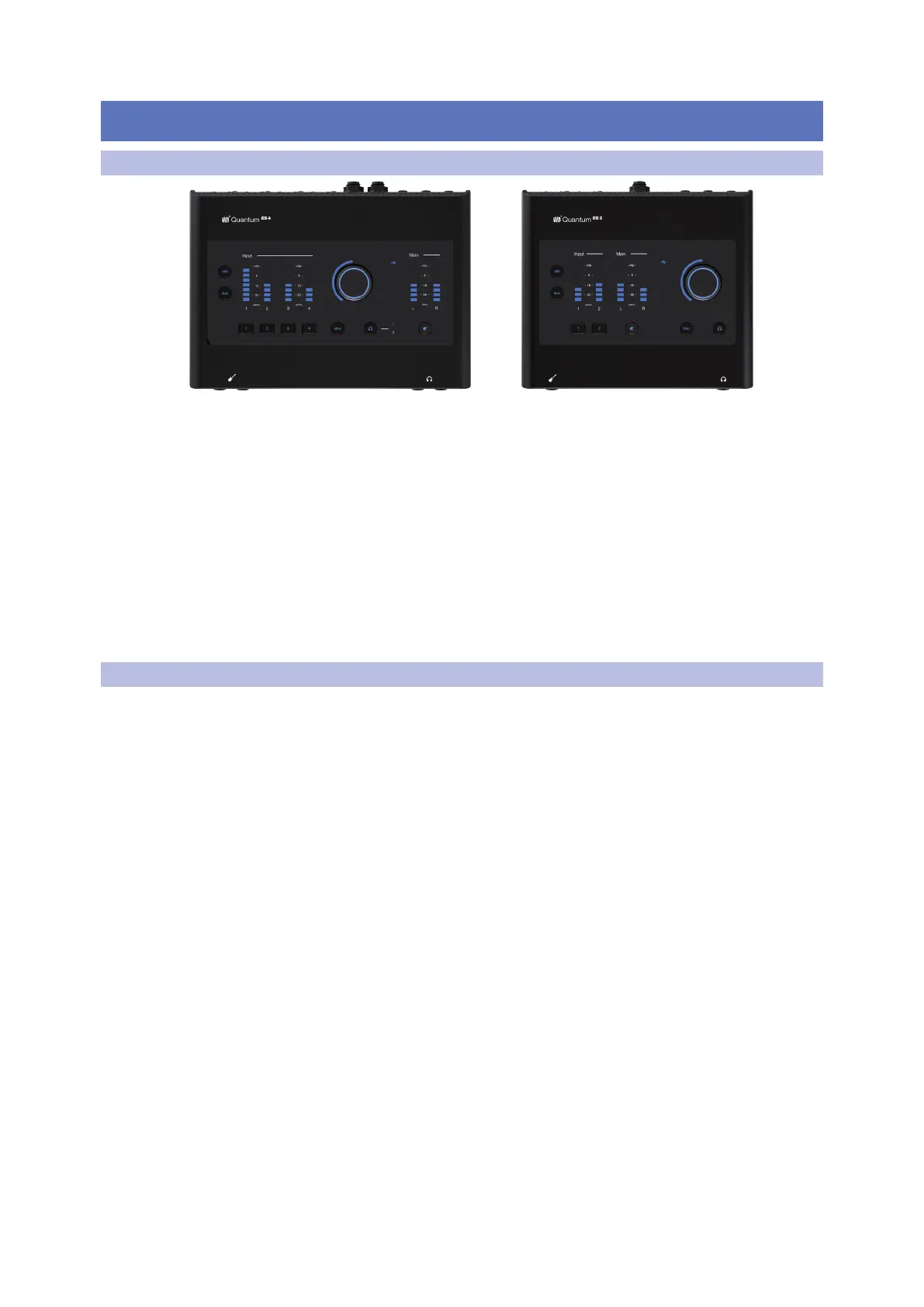
About this manual: This manual covers the operation of both the Quantum ES 2 and Quantum ES 4.
Whenever a functional difference is described, the Quantum ES 4’s features will be mentioned first, followed
by the Quantum ES 2. To avoid problems during installation and setup, we suggest that you use this manual
to familiarize yourself with the features, applications, and correct connection procedures before trying to
connect your Quantum interface to your computer.
1.2 Quantum ES Features
• 4 PreSonus MAX-HD microphone preamps (2 Preamps for the ES 2)
°
+ 75 dB microphone preamp range
°
Back panel combo jacks (both ¼-inch TRS and XLR)
• 2 instrument inputs (1 for the ES 2)
• 4 TRS line outputs on ¼-inch jacks (2 outputs for the ES 2)
• 2 stereo headphone outputs (1 headphone output for the ES 2)
• Top panel control of monitor levels and muting
°
Control volume for all or some outputs with one knob
• High performance, low noise converters: Hear and capture audio with stunning accuracy
• MAX-HD microphone preamps: The next generation of PreSonus preamp design, MAX-HD preamps are
clean, transparent, and accurate with enough gain for gain-hungry microphones used in modern recording
and broadcast.
• Auto Gain: Before recording, gain levels can be automatically set to capture your best performance.
• Best-in-class LED Metering: Bright and responsive LED metering provides accurate readings for input and
output audio levels.
• Studio One integration: Remote control your preamp gain, phantom power, channel settings and more all
from Studio One
• Operation using either a desktop or mobile device (direct connection to host or local network required)
using the Universal Control application:
°
All settings can be controlled via the Universal Control application
• Up to 24-bit conversion
• Up to 192 kHz sample rate
• 115 dB dynamic range















 To Next Page