119
12 Home
12.3 Audio Routing and the Digital Patching Screen
StudioLive™ Series III
Owner’s Manual
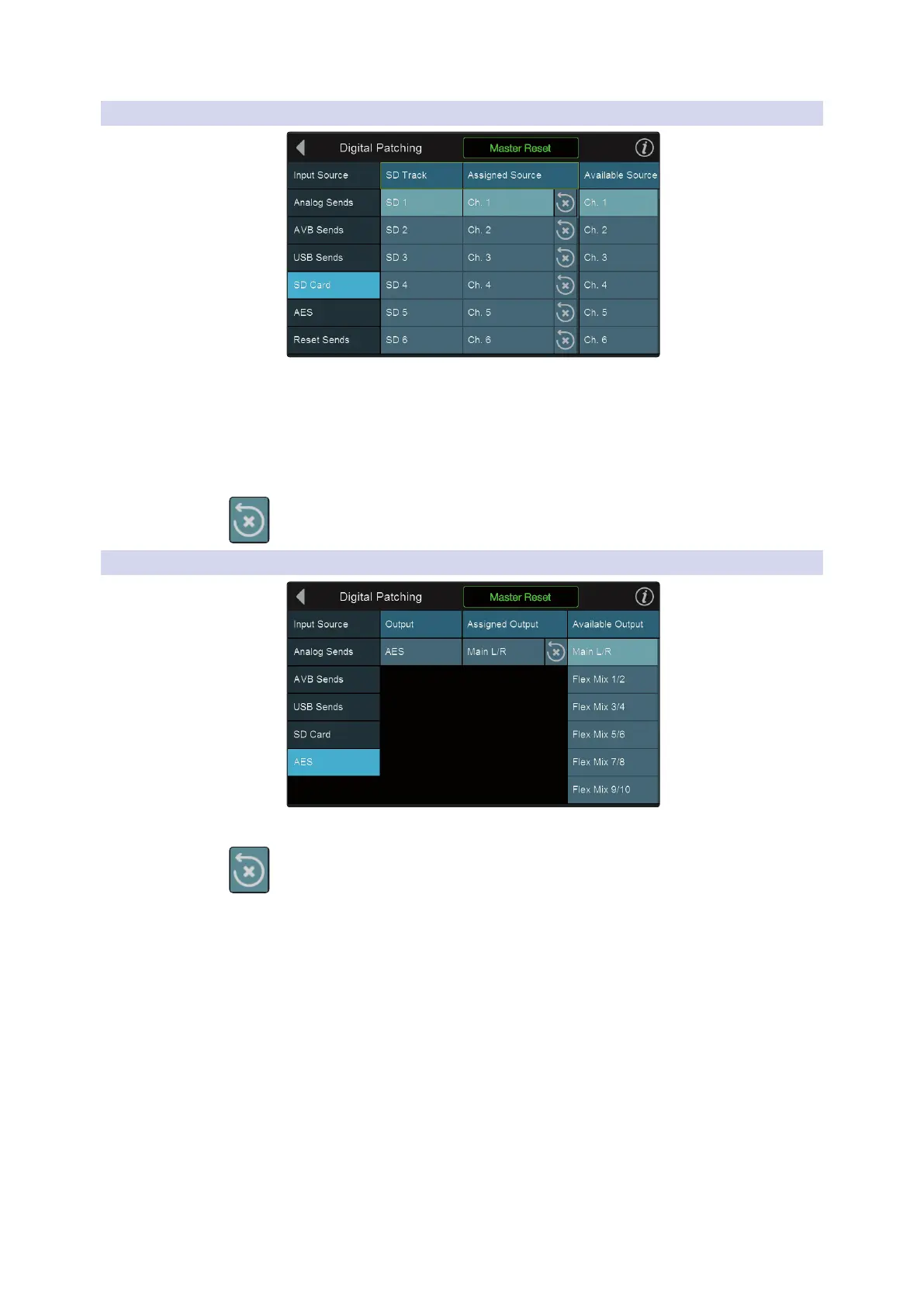
12.3.5 Digital Patching: SD Card
StudioLive 64S users. Selecting the SD Card menu will allow you to patch any input
or mix to any of the 34 SD Card recording inputs. Select the SD Card recording input
to which you’d like to route your audio first. Then select the channel or mix from the
Available Source list to the right.
All other users. Selecting the SD Card menu will allow you to patch any mix to the
last stereo pair of SD Card recording inputs (33-34).
Press the reset button to repatch the default routing.
12.3.6 Digital Patching: AES
Selecting the AES menu will allow you to patch any mix to the AES Output.
Press the reset button to repatch the default routing.













 To Next Page