111
When SELECT is pressed, the user menu appears in the window as shown below.
TYPE MENU
OPTION
COUNT
EXIT
9.1. OPTION
With the configuration menu window open, place the cursor over OPTION, and press
SELECT to go to the OPTION menu.
The following windows show the different concepts available for modification in the
OPTIONS menu.
9.1.1 UNCREASE CONTROL
This option allows you to configure the machine with the uncrease control system
which involves activating the basket motor so that it turns from one side to the other once
the programme has completely finished and the door has not been opened within a minute.
This is to prevent the clothes inside the drum from creasing. Use the INC () and DEC ()
keys to move the cursor from YES to NO or vice-versa, and the SELECT key to confirm the
modification and move to the next option.
TYPE MENU
OPTION
COUNT
EXIT
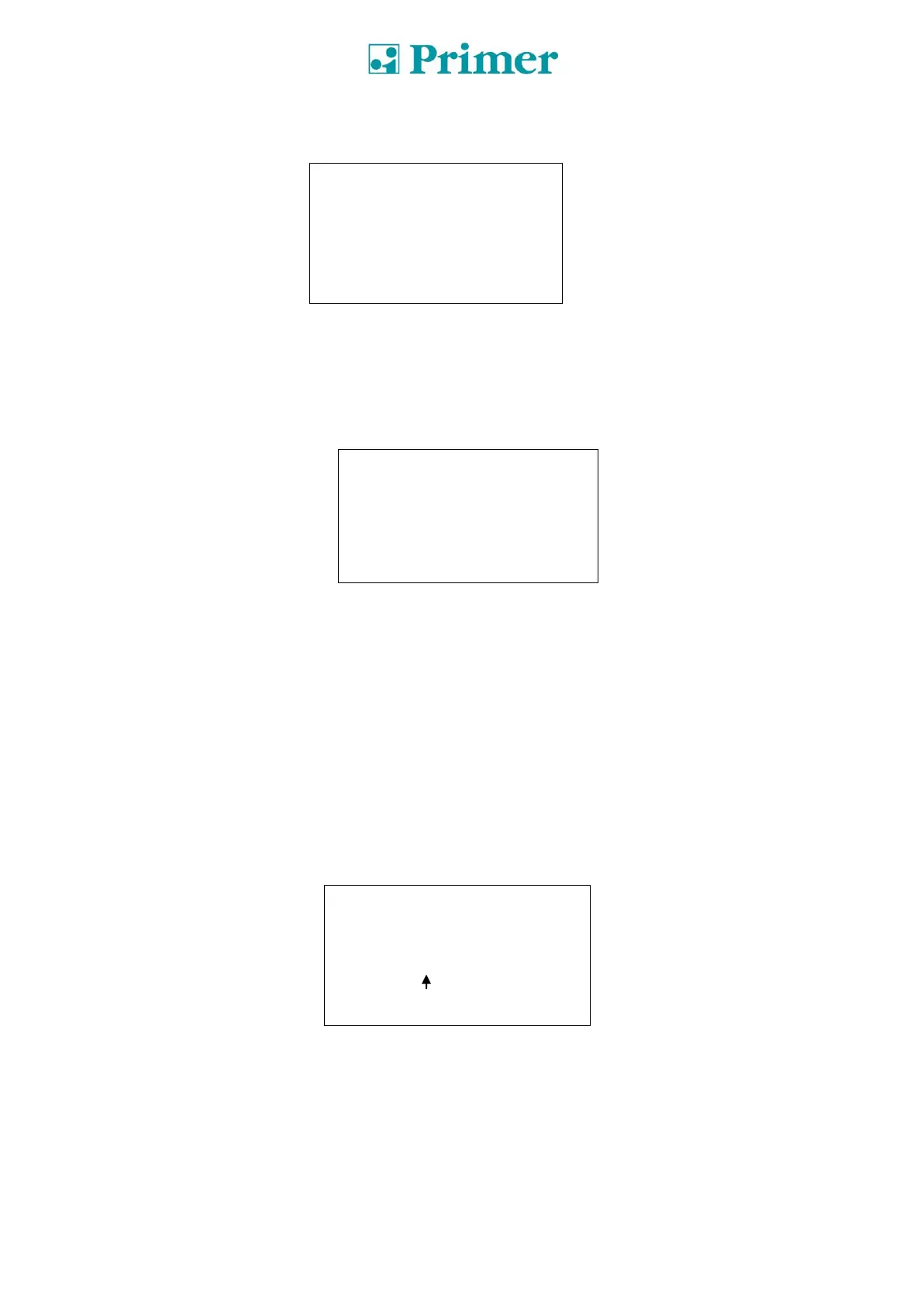
UNCREASE CONTROL
YES / NO


 To Next Page
 Loading...