Using the Printer 27
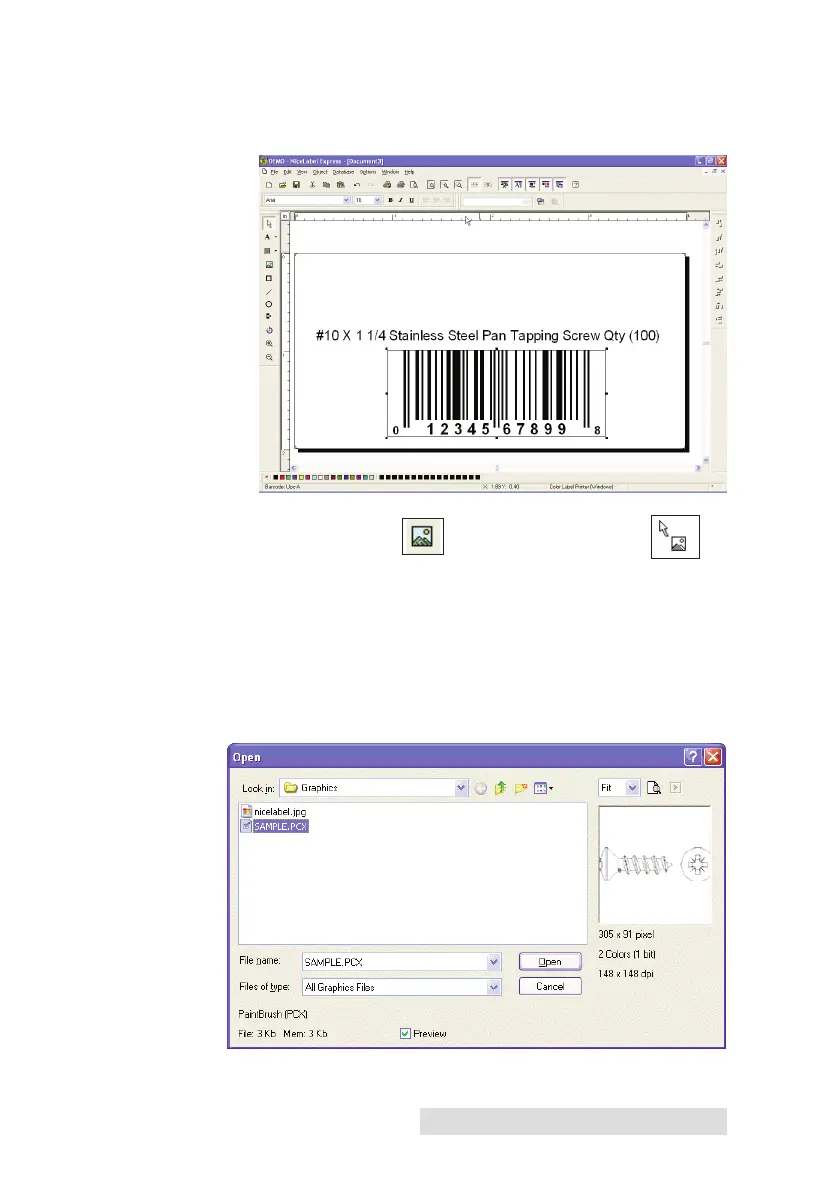
e. Click OK, then click Finish and your Barcode will be
placed on your label with "Edit Handles" to allow you
to move and resize your barcode.
Graphics Tool Icon Graphics Cursor
5. Now insert a graphic. Click on the Graphics Tool Icon in
the toolbox. You will now see a Graphics Cursor. Drag the
cursor to the general area where you wish to place the
graphic and click to get an Open dialog box. You will be
prompted to browse for graphic files. NiceLabel will
accept bitmap graphics formatted as BMP, JPG, TIF, WMF,
PNG and many more.



 To Next Page